ISMSSecurity, made visible
Information security, in focus

Make security work visible.

One practical system to coordinate security operations, governance, evidence, and the people who keep your organization protected.
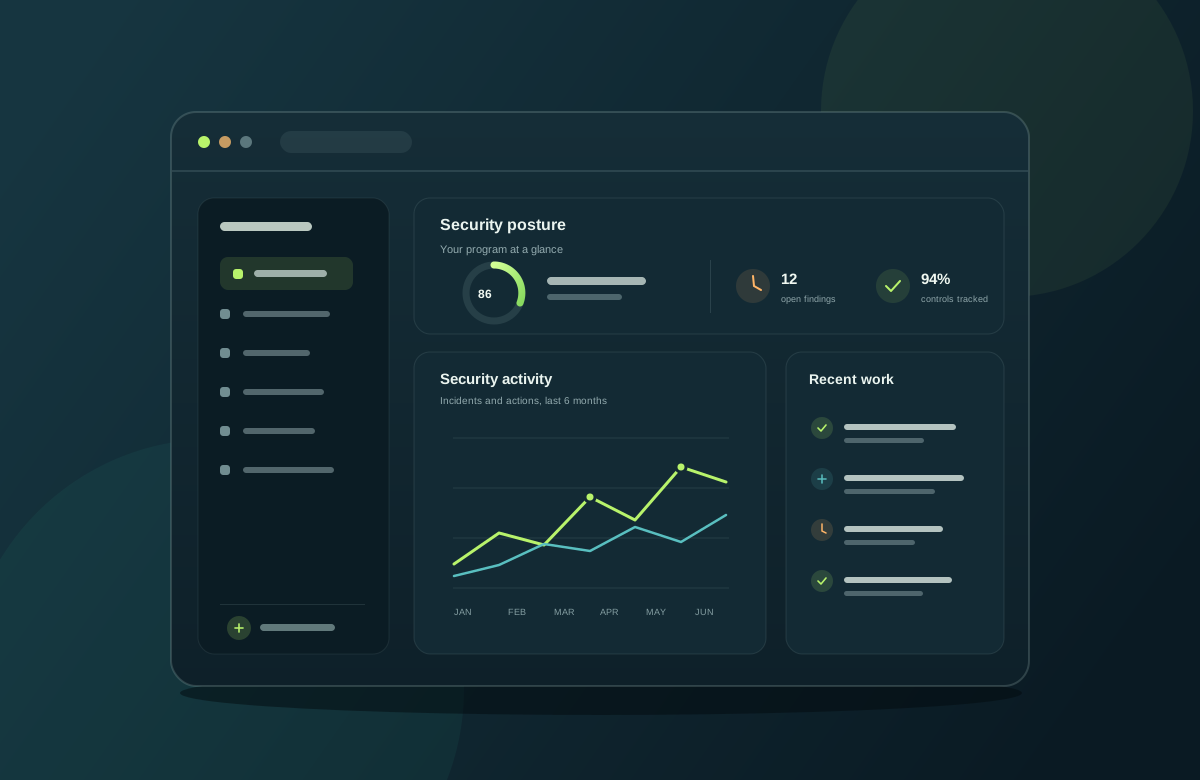
Role-based access Company data separation Clear audit trails
ISMS overview
01 / 03
Security operations, brought together.
See the whole picture

Security operations, brought together.

Security • Governance • Visibility

One joined-up approach

From daily work to stronger assurance.

Give teams a shared view of the work, without losing the ownership and access boundaries they need.

01

Security operations

Keep incidents, assets, vulnerabilities, risks, and security checks connected.

02

Governance & evidence

Organize policies, documents, findings, and compliance work with clear ownership.

03

Accountable access

Give each team the modules it needs, with user-level access and activity visibility.

Explore the platform

The tools your teams use, connected.

Feature availability follows your role, company access, hosting configuration, and the integrations you connect.

01 / MODULES

Security operations

Coordinate core security work from discovery through response.

  • Incidents & security events
  • Vulnerability management
  • VAPT checks
  • Risk management
  • Security assets & access management
  • Network, server & firewall health
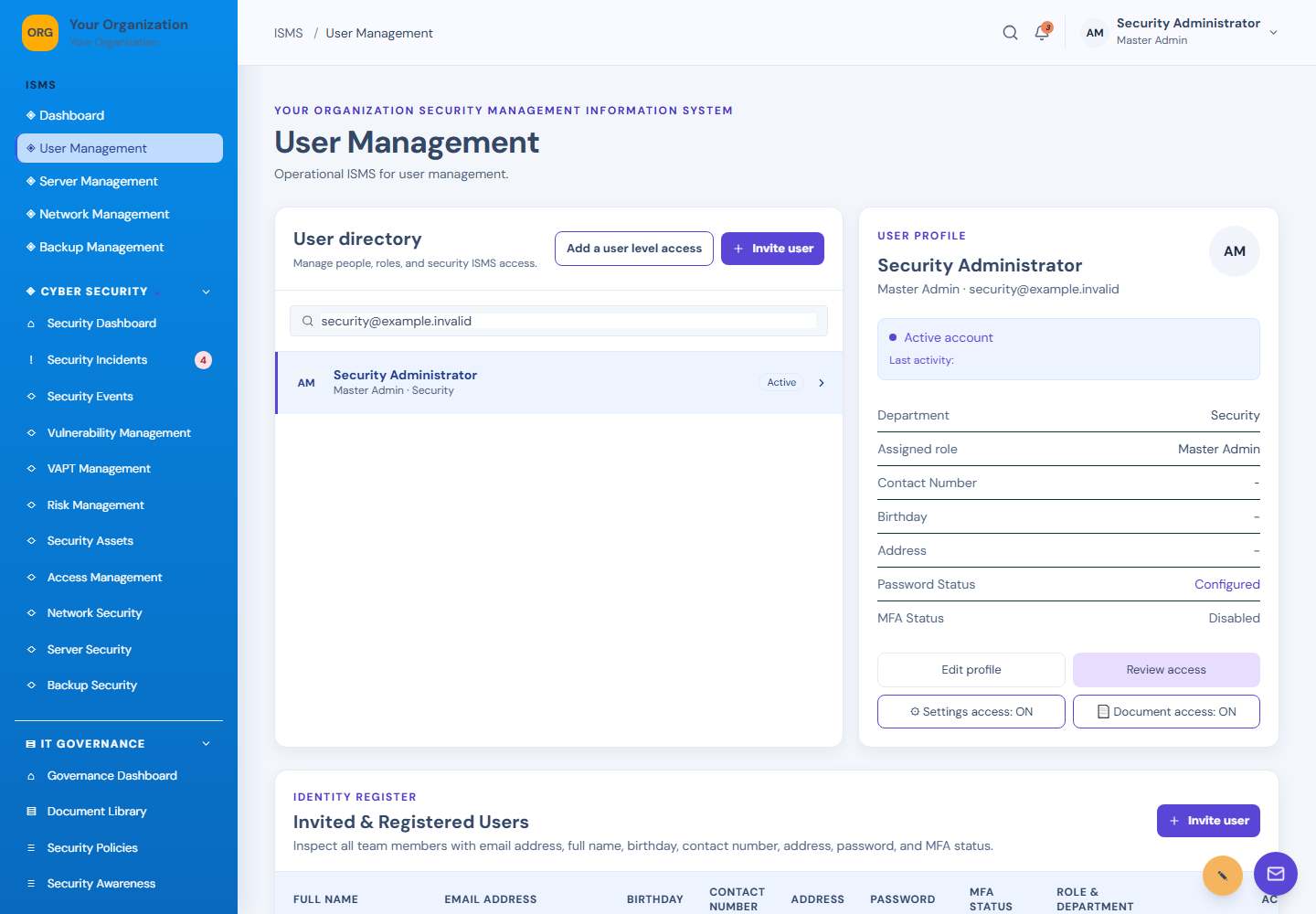
  • Backup security
  • CCTV & watchdog monitoring
02 / MODULES

Governance & compliance

Keep governance evidence organized and tied to accountable work.

  • Document library & sharing
  • Security policies
  • Security awareness
  • Audit findings
  • ISO 27001
  • SOC 2
  • DPA compliance
  • Security reports
03 / MODULES

IT, people & administration

Bring everyday operational records and company administration together.

  • User & company management
  • Custom user levels
  • Daily reports & inventory
  • Network diagnostics & repair
  • Email management
  • HR, KRA, KPI & attendance
  • Company backups & support
  • Chat, patch records & audit history
Watchdog & integrations: authorized remote Linux hosts can report events through the watchdog agent; SSH, pfSense, email delivery, and network checks require reachable services and correct configuration. Shared-hosting providers may restrict outbound connections or system utilities.

A closer look

See ISMS in action.

Watch the walkthrough or browse screenshots from 39 company-account menus, including security, governance, IT, HR, and user administration.

These screens use fictional sample records for demonstration. Available features depend on your account permissions and configured services.
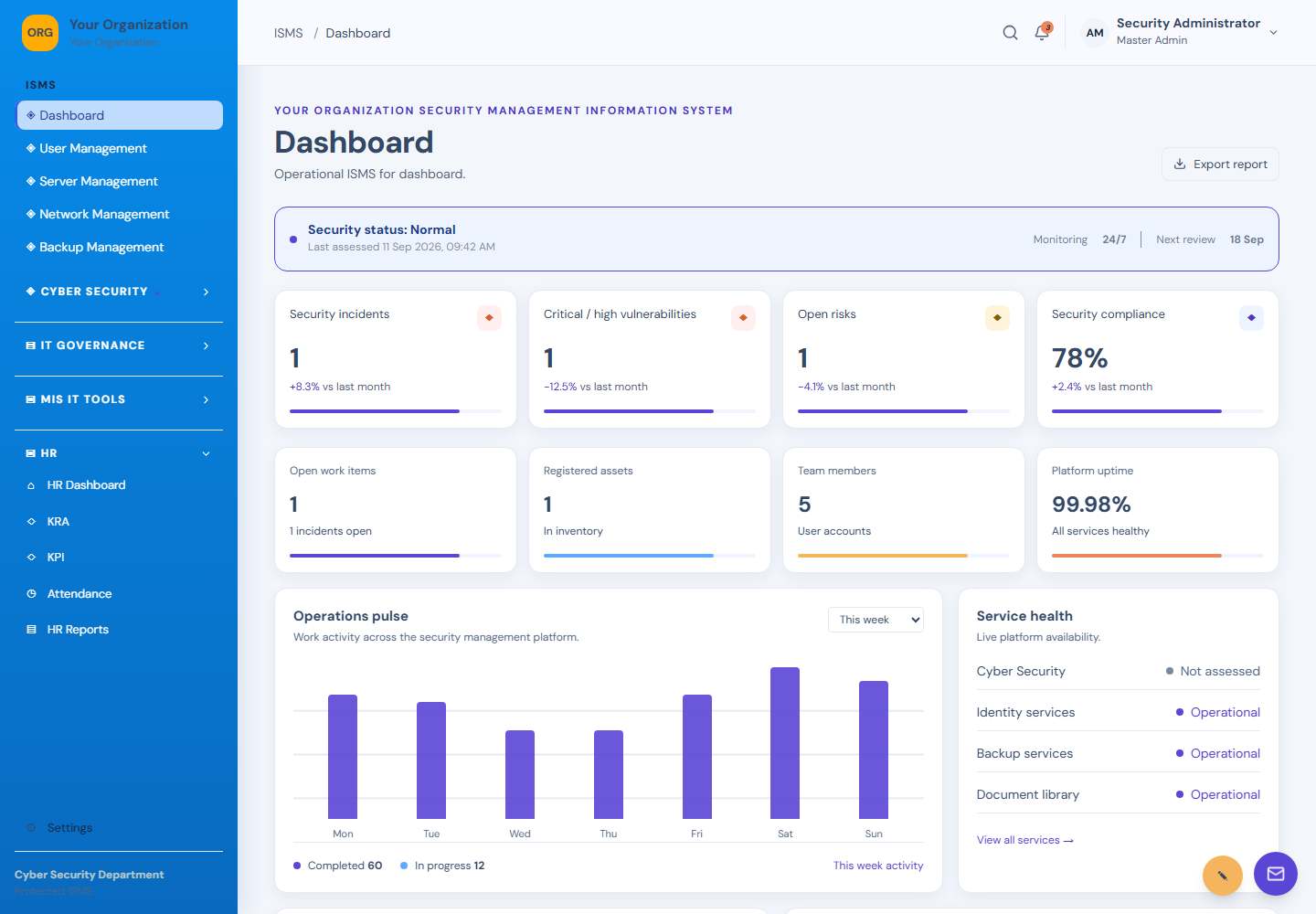
Dashboard screen: Company overview
01DashboardCompany overview
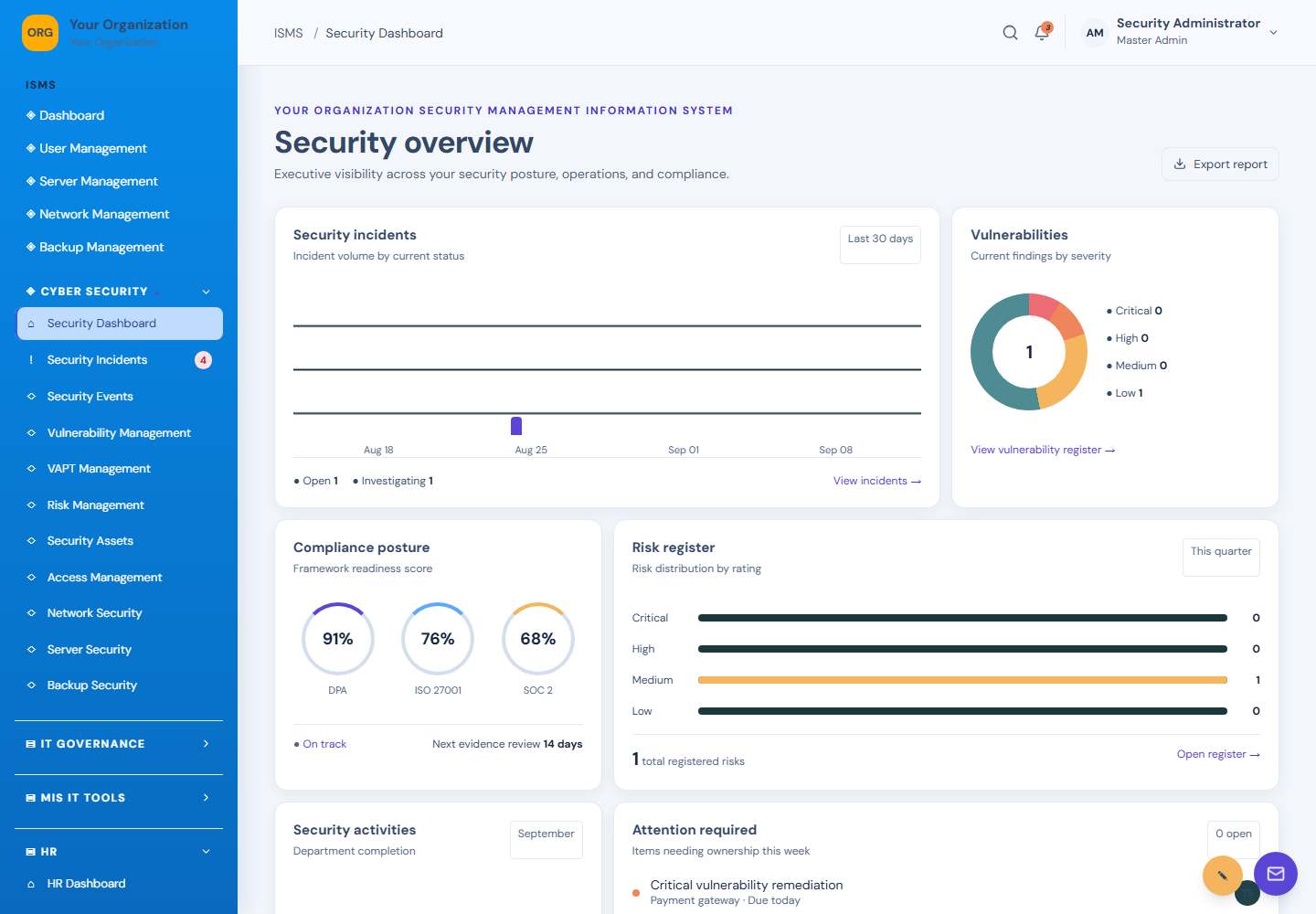
Security Dashboard screen: Security overview
02Security DashboardSecurity overview
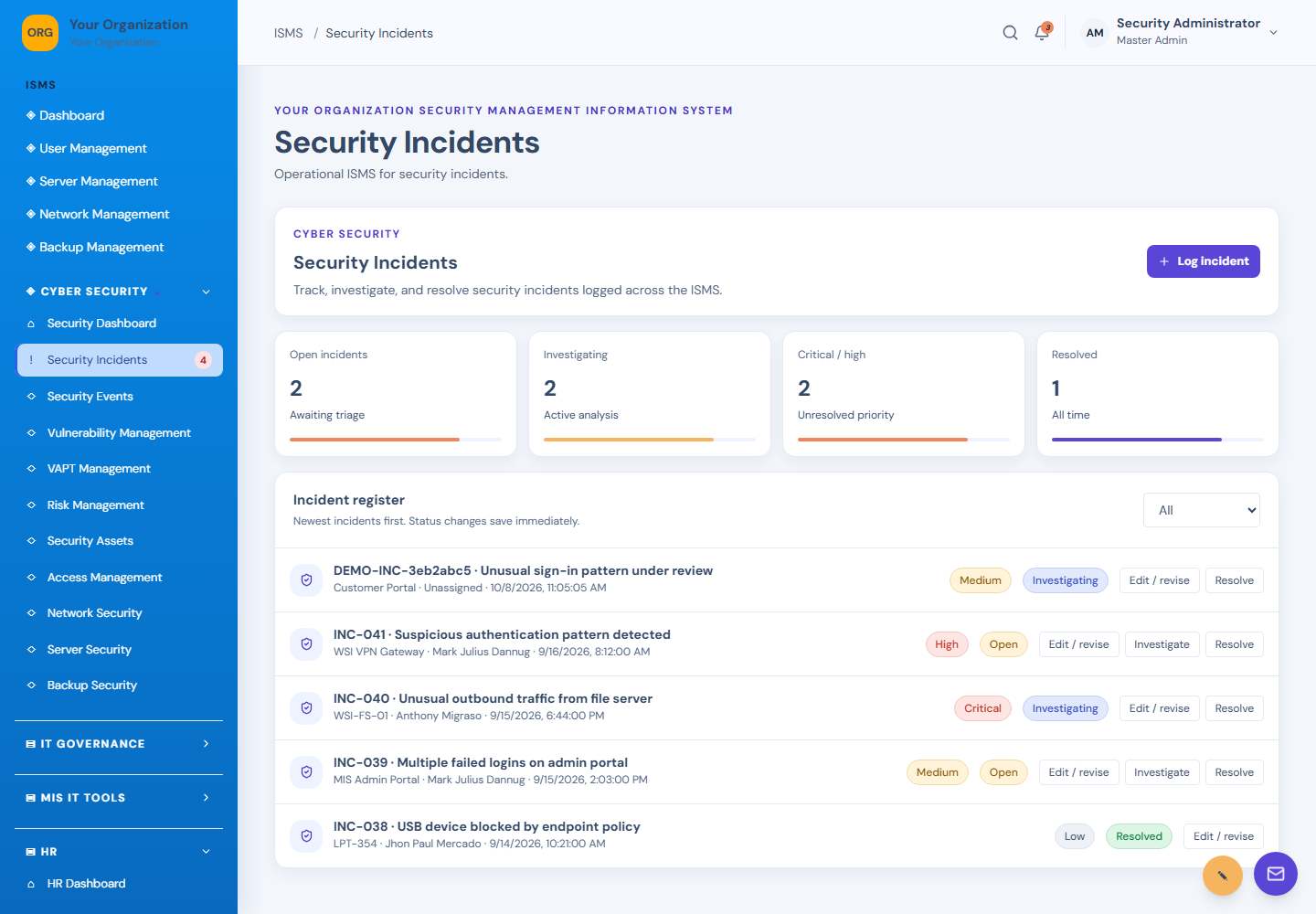
Security Incidents screen: Incident management
03Security IncidentsIncident management
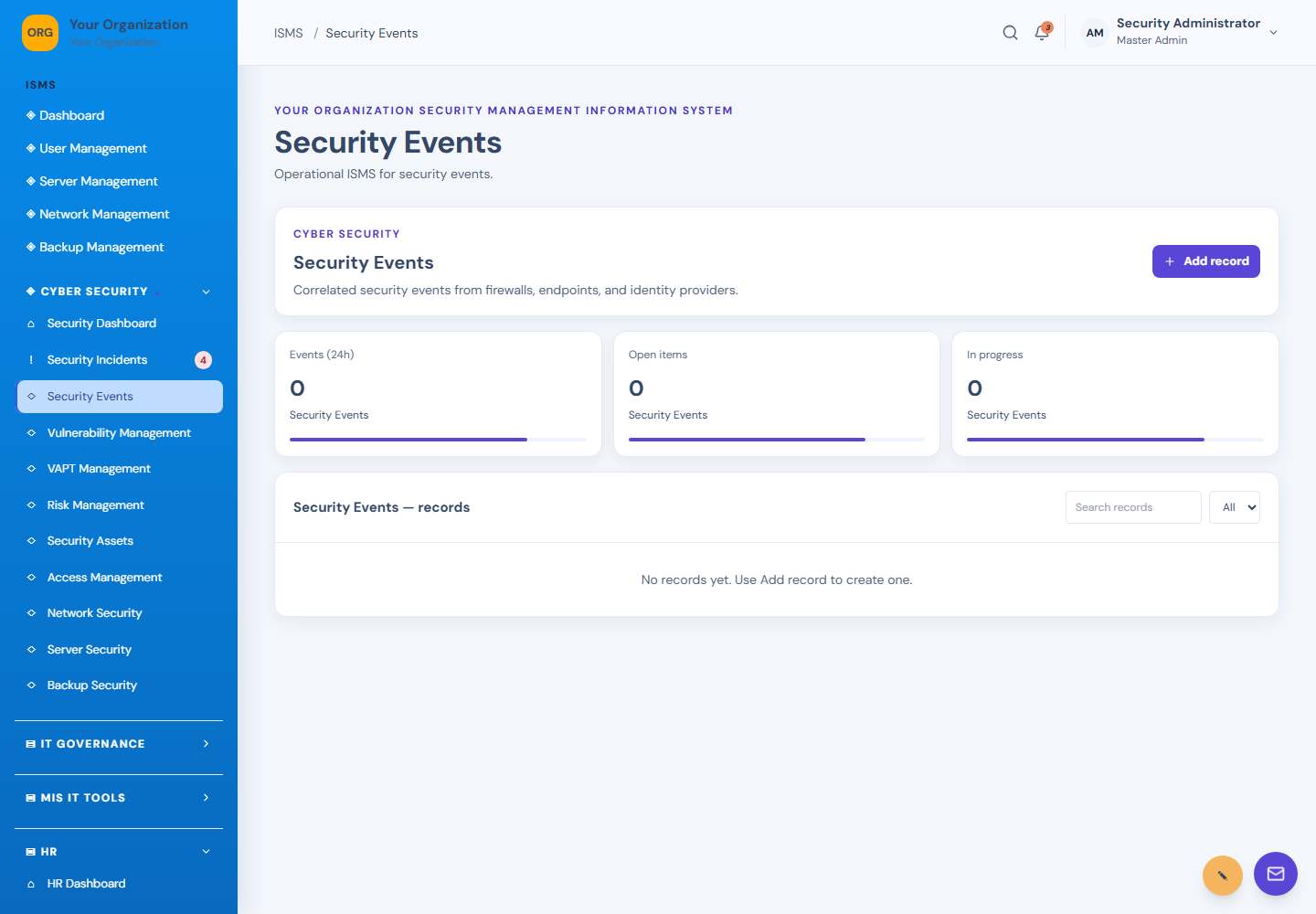
Security Events screen: Security activity
04Security EventsSecurity activity
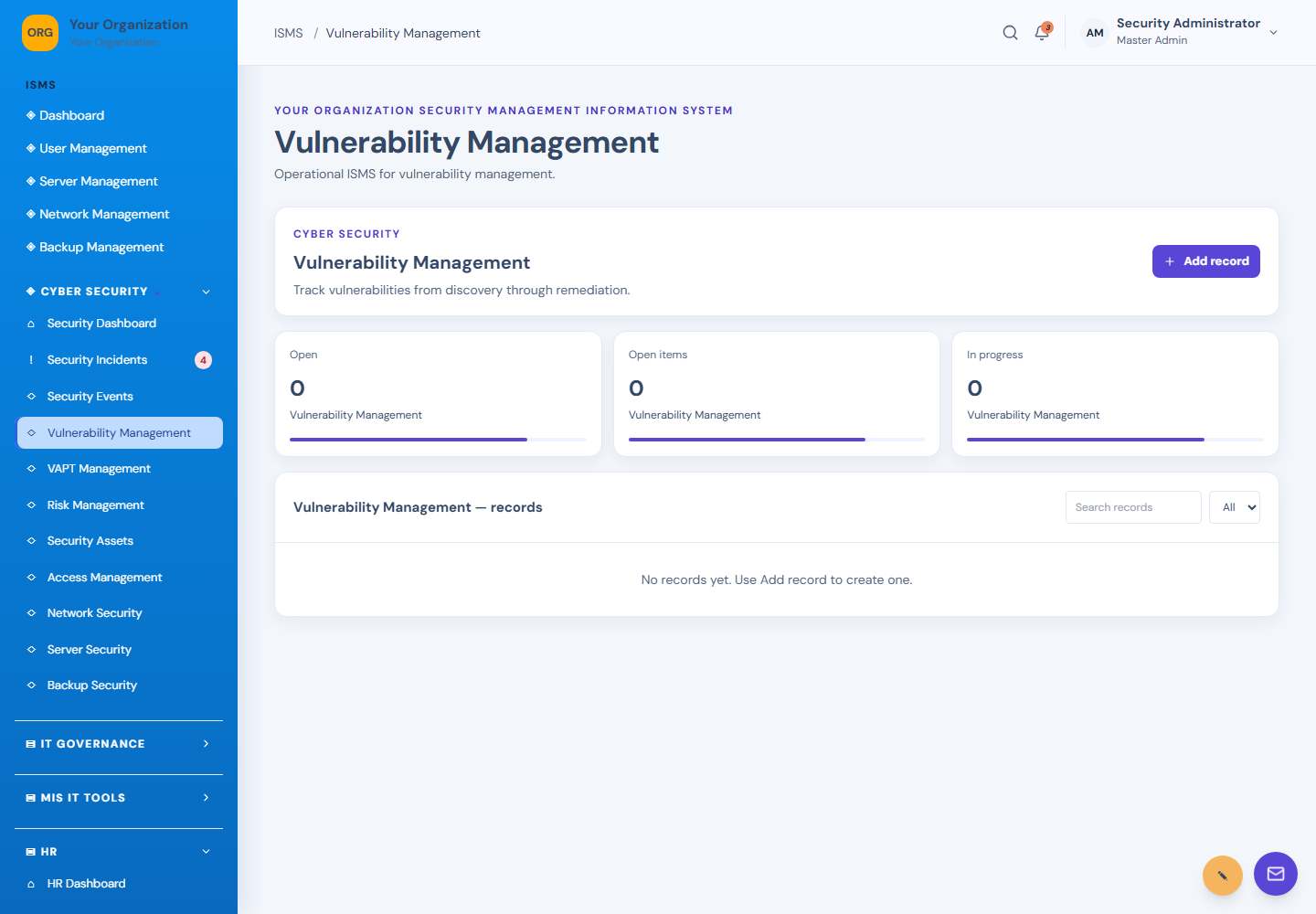
Vulnerability Management screen: Vulnerability management
05Vulnerability ManagementVulnerability management
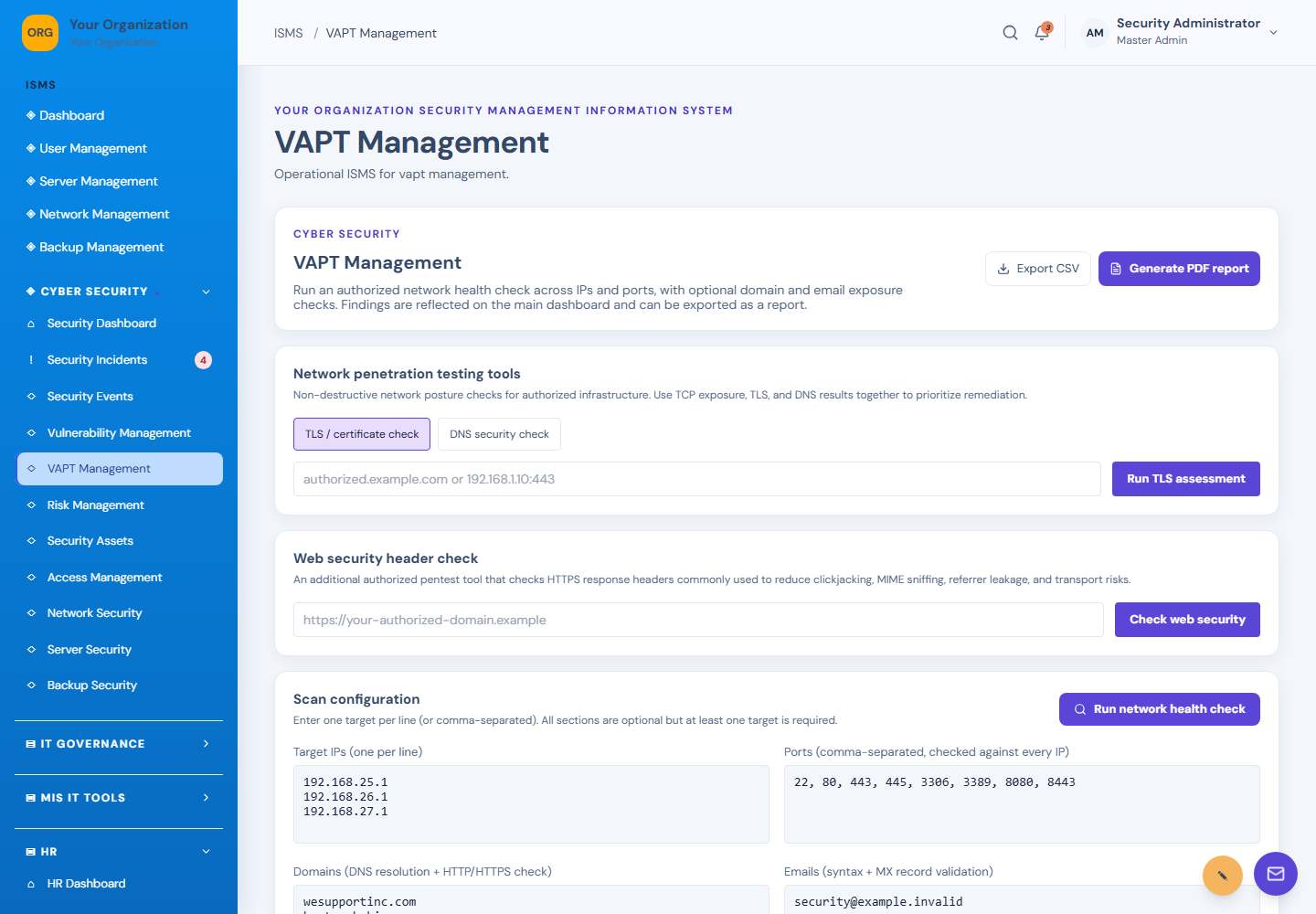
VAPT Management screen: Authorized security checks
06VAPT ManagementAuthorized security checks
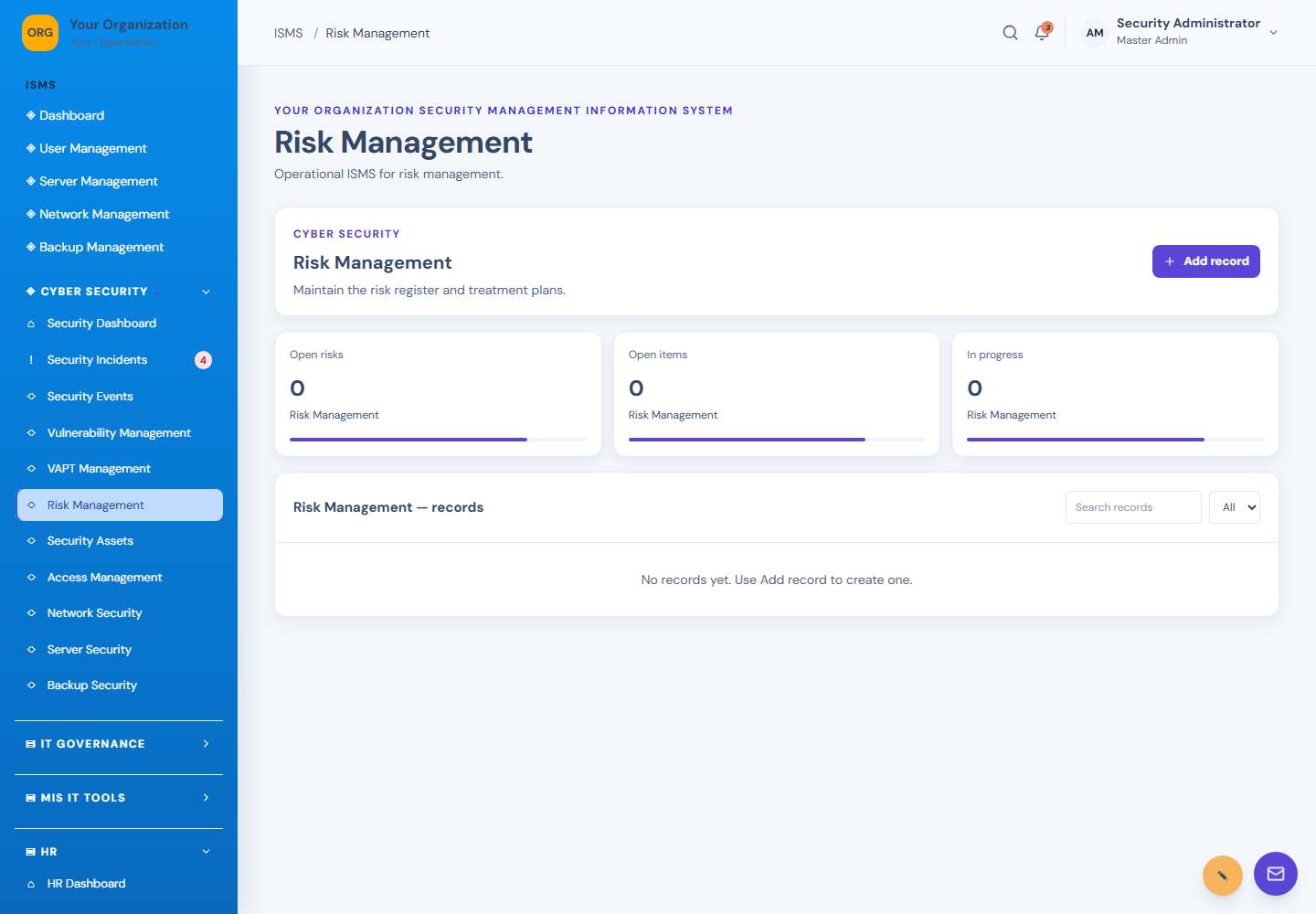
Risk Management screen: Risk register
07Risk ManagementRisk register
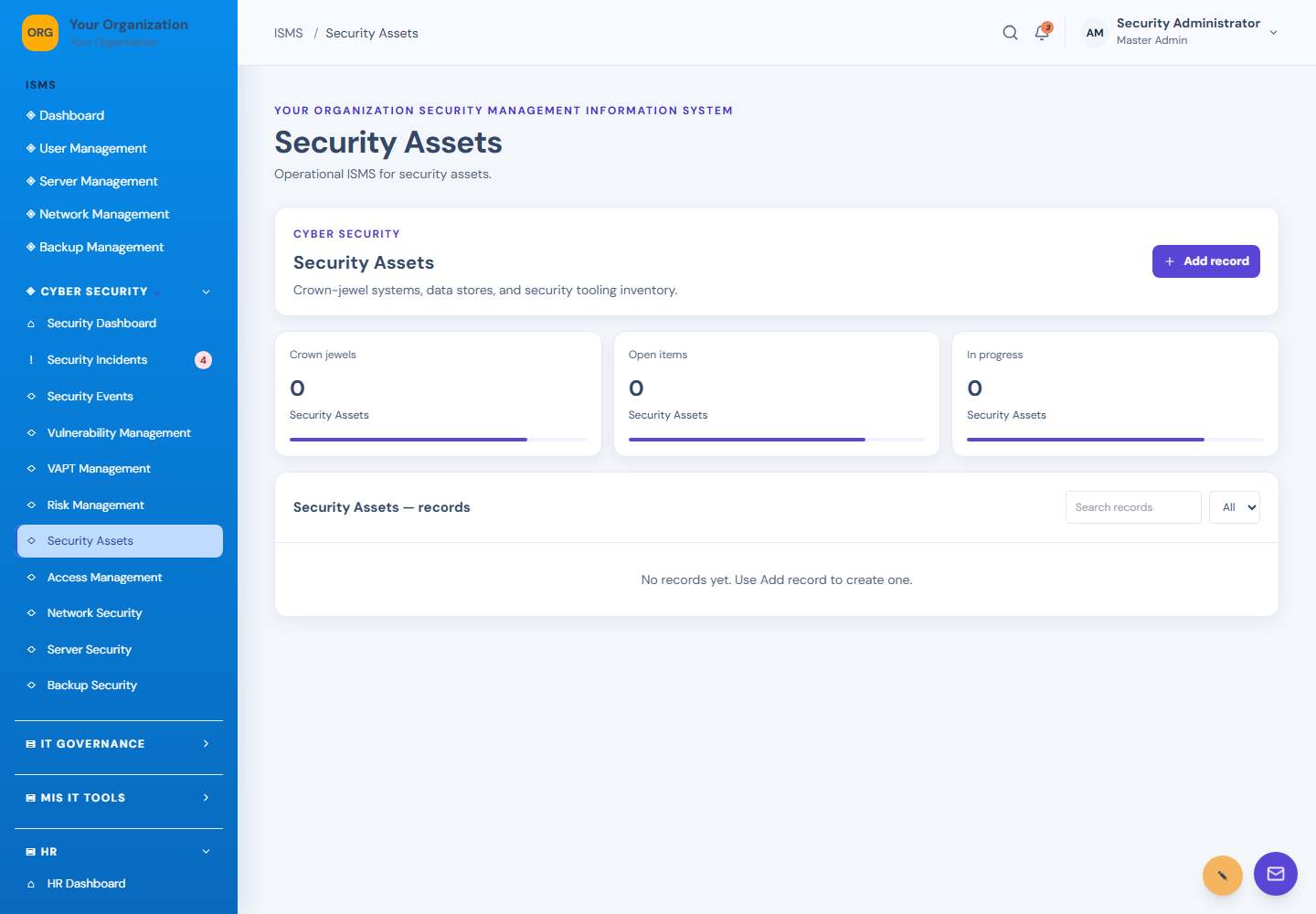
Security Assets screen: Security asset register
08Security AssetsSecurity asset register
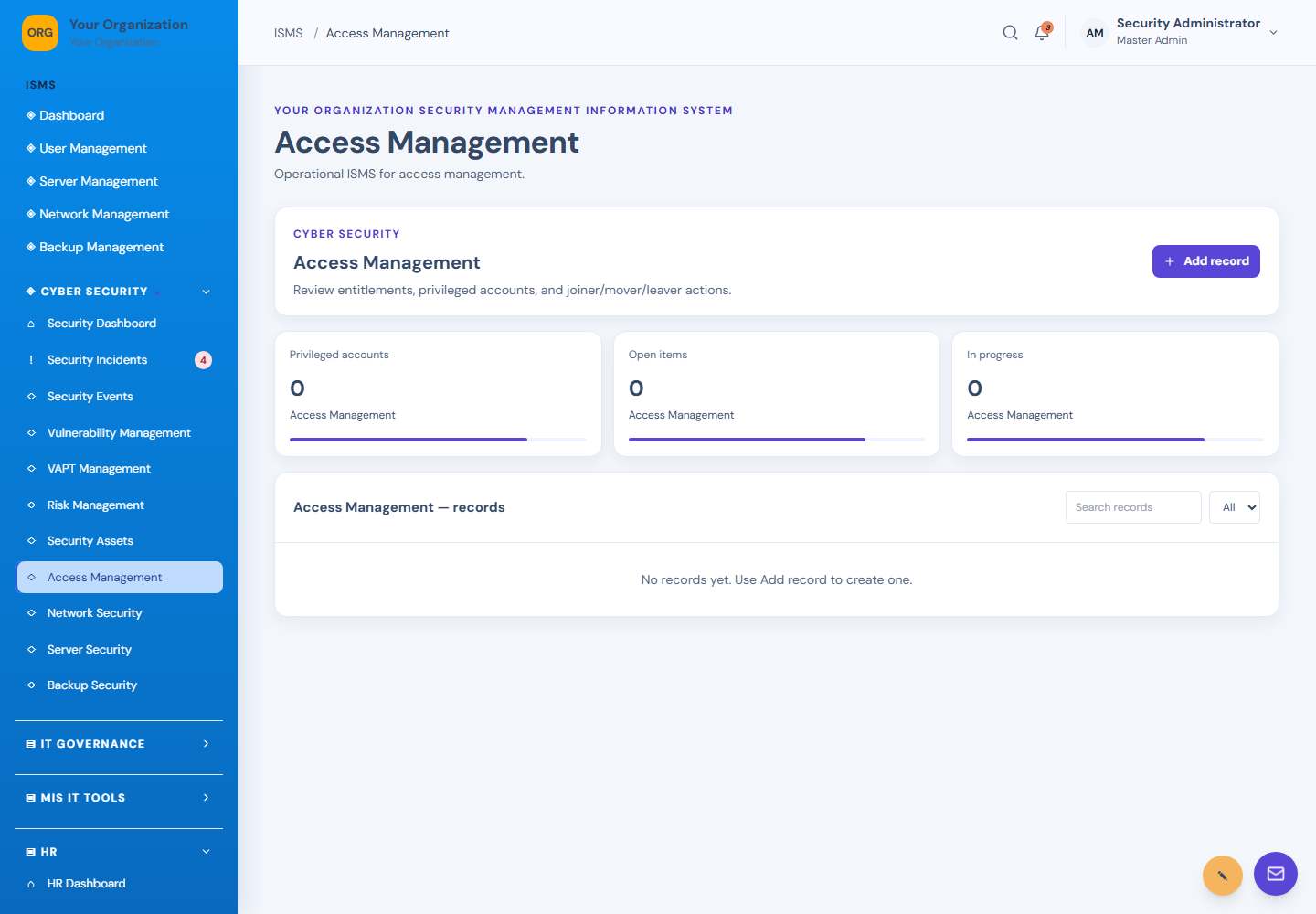
Access Management screen: Access management
09Access ManagementAccess management
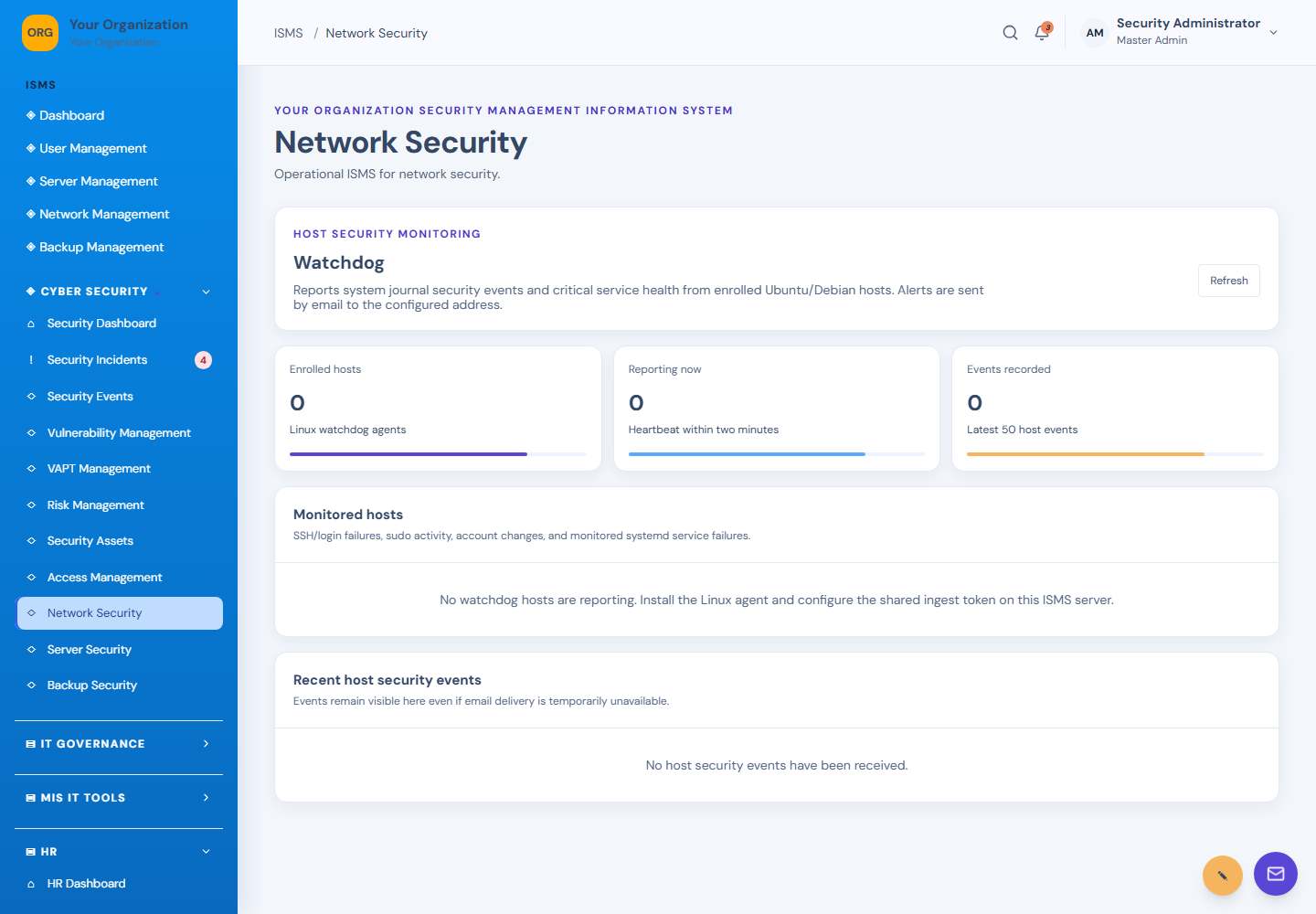
Network Security screen: Network security
10Network SecurityNetwork security
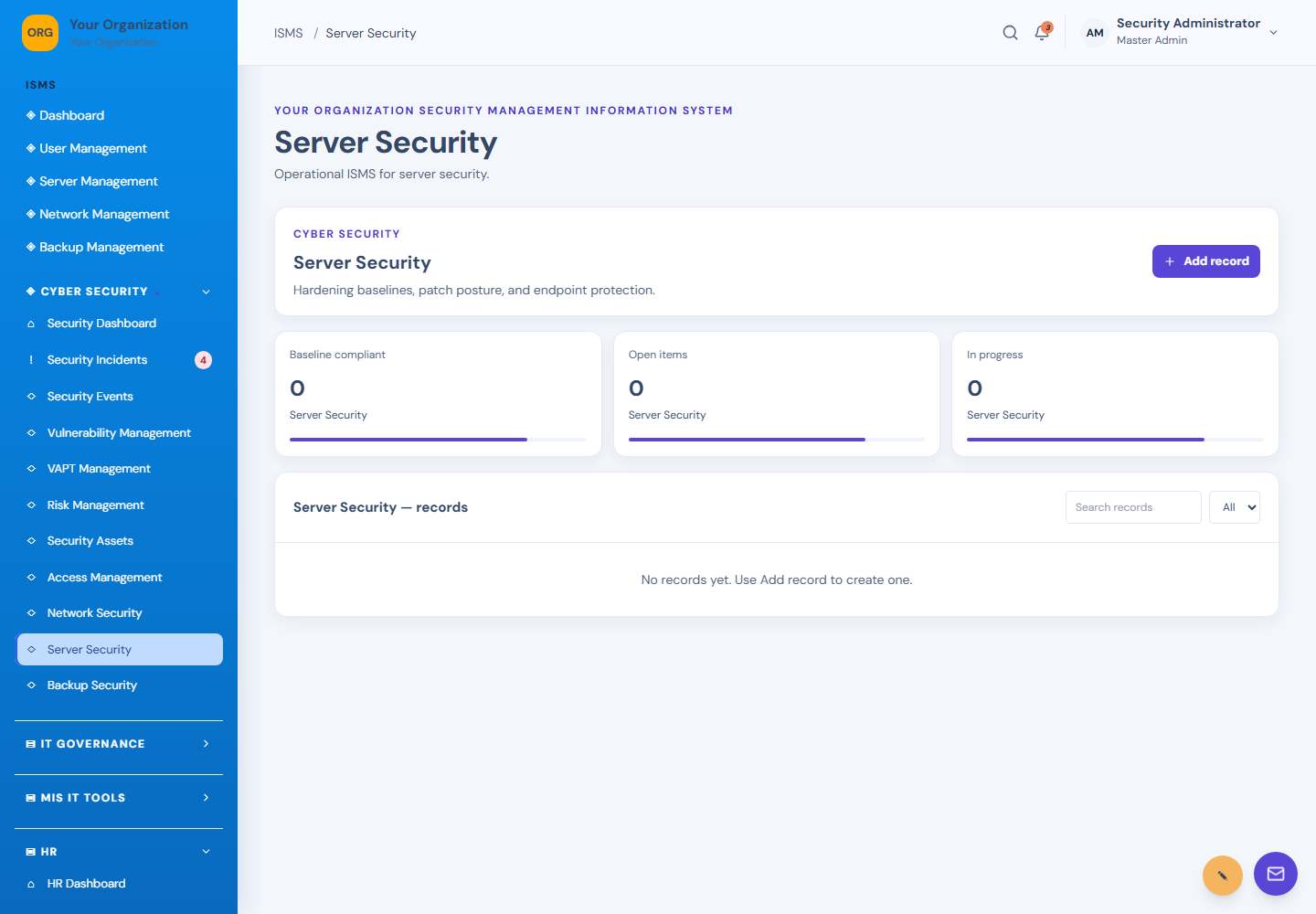
Server Security screen: Server security
11Server SecurityServer security
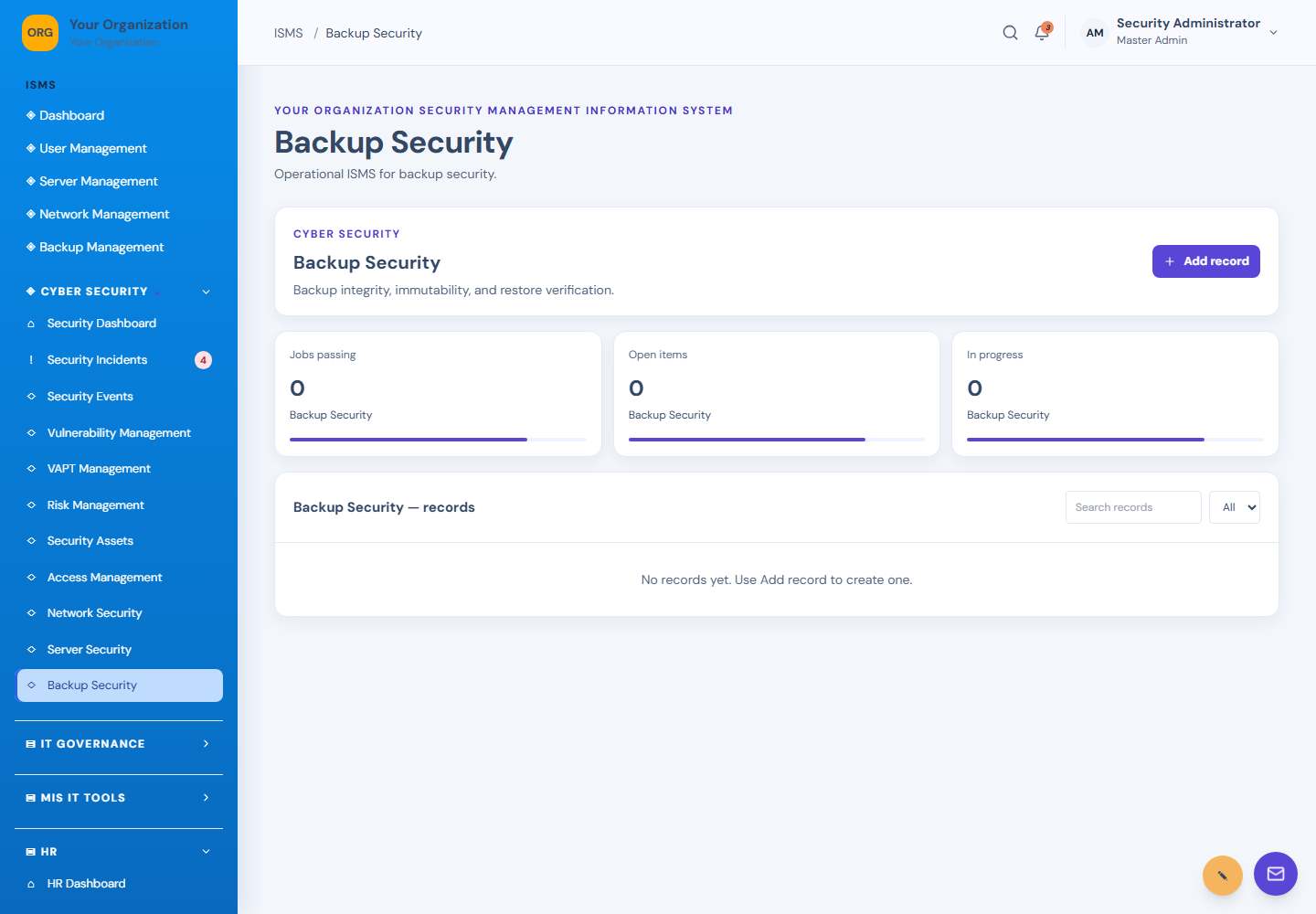
Backup Security screen: Backup security
12Backup SecurityBackup security
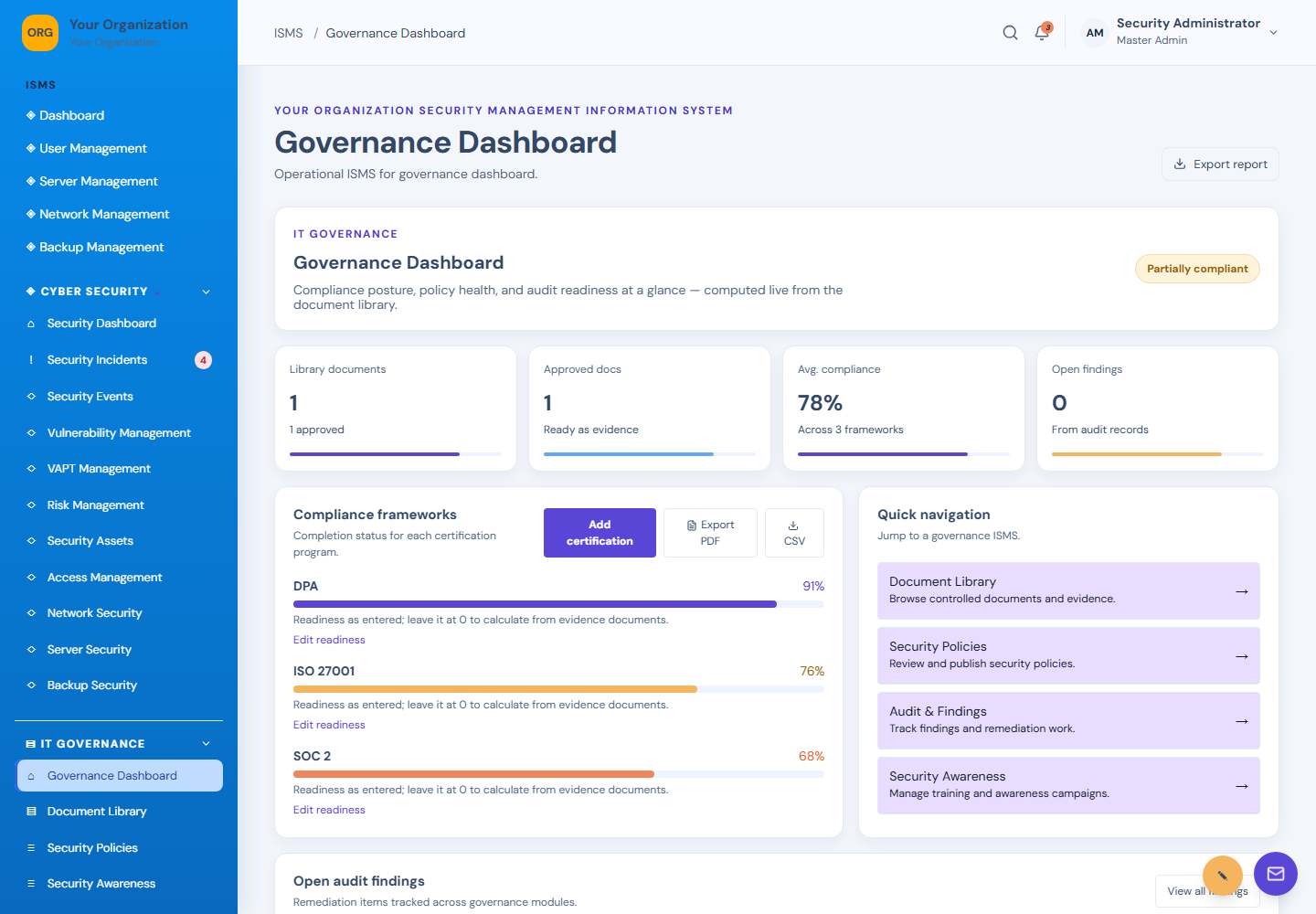
Governance Dashboard screen: Governance overview
13Governance DashboardGovernance overview
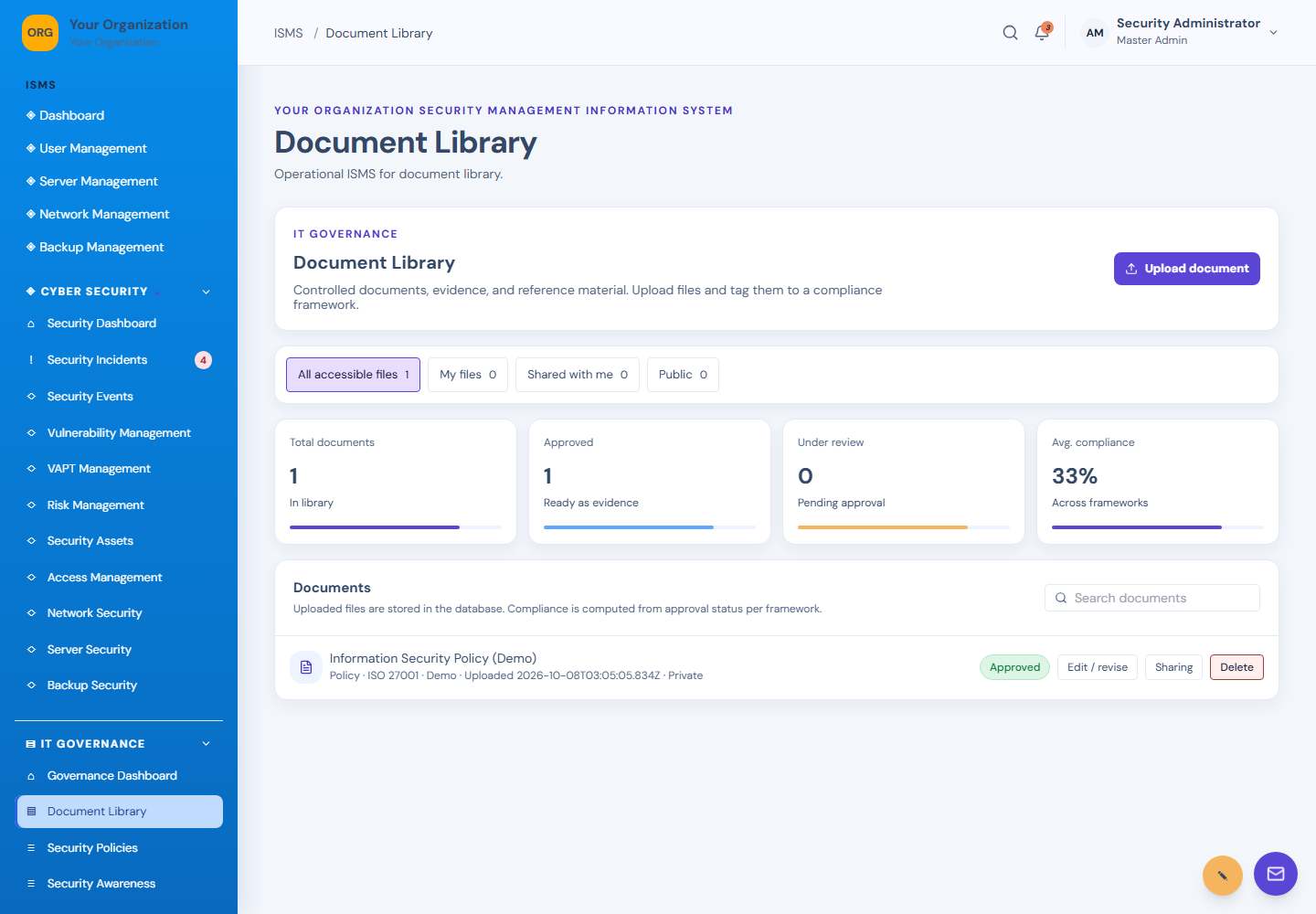
Document Library screen: Document library
14Document LibraryDocument library
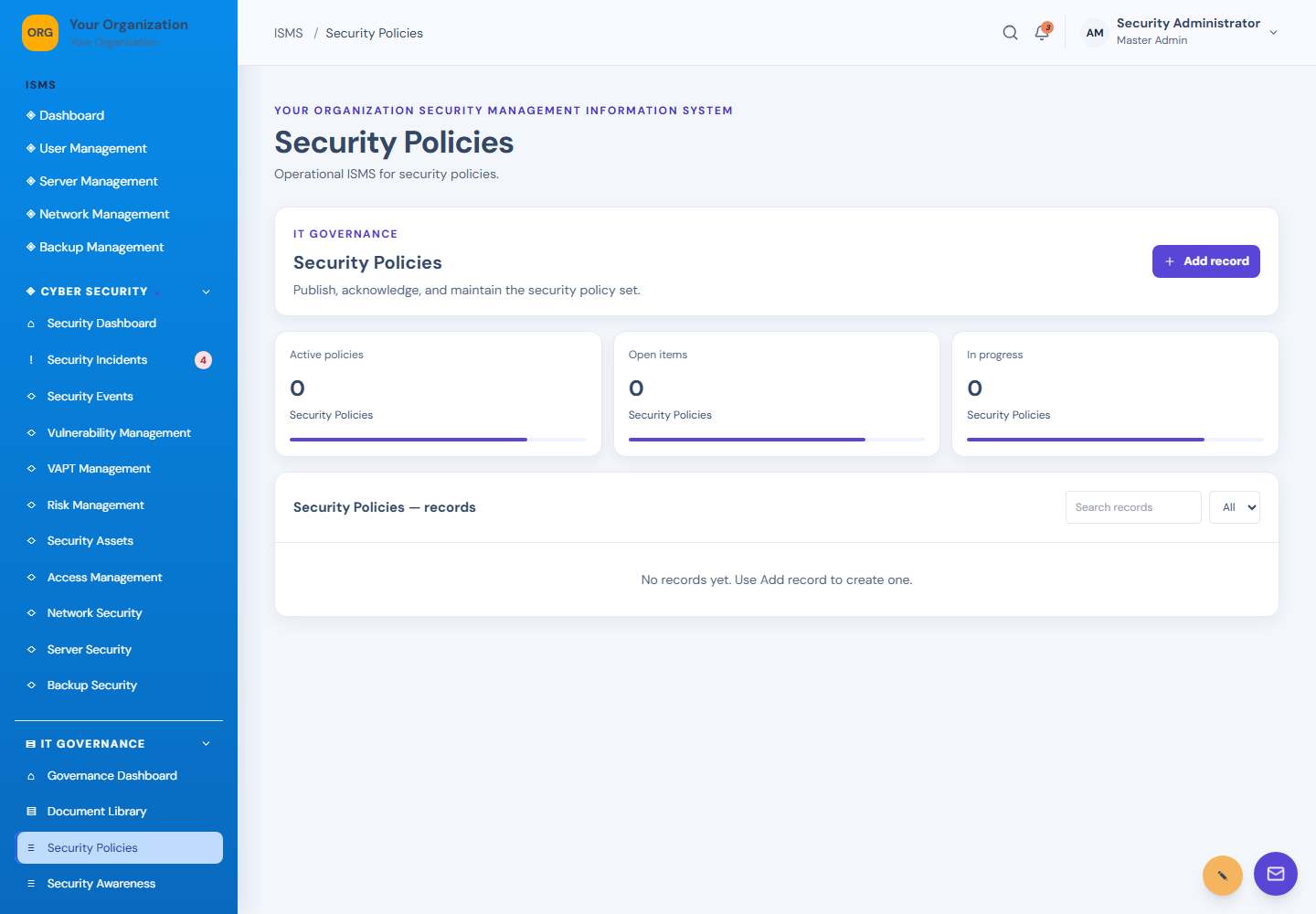
Security Policies screen: Security policies
15Security PoliciesSecurity policies
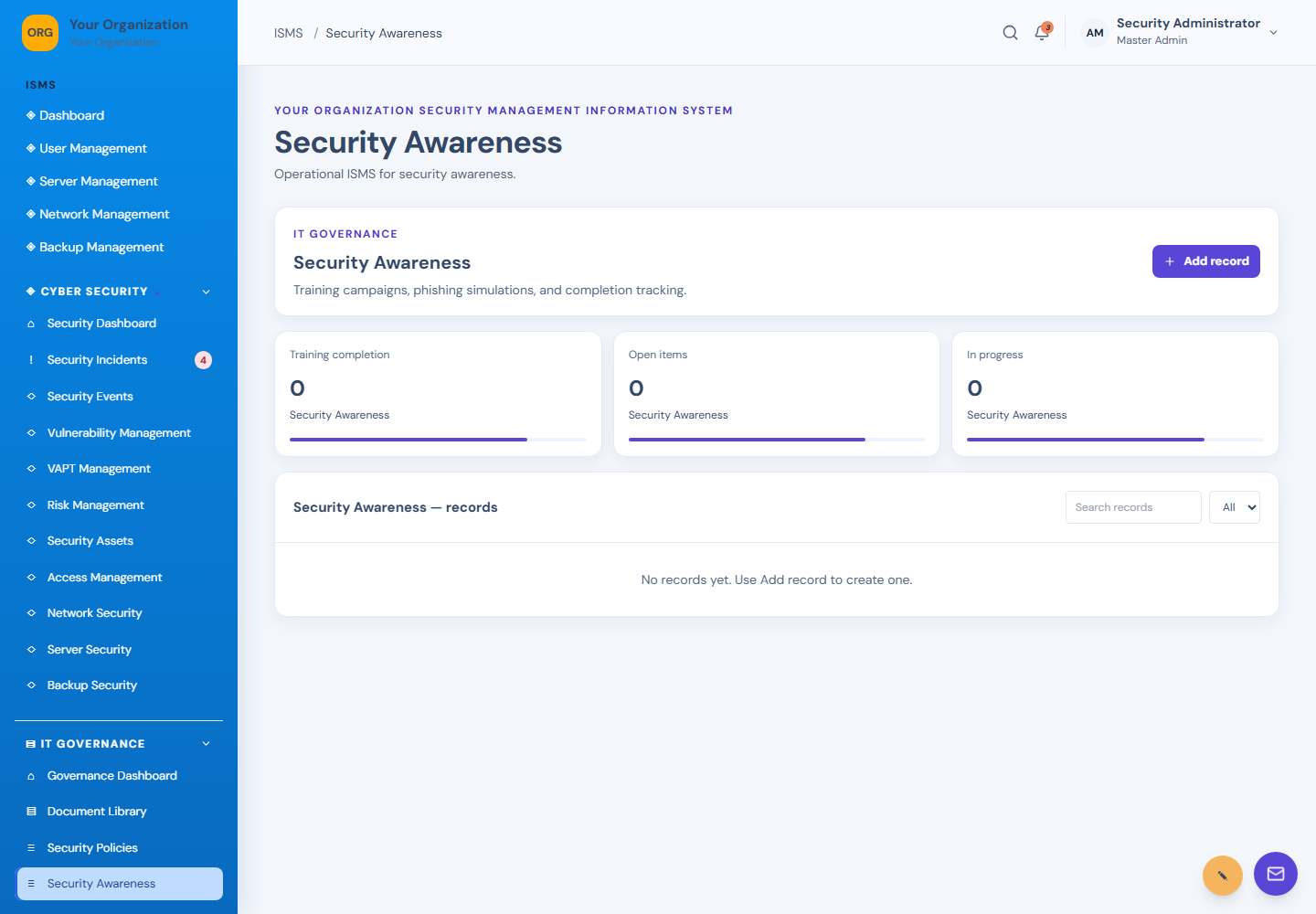
Security Awareness screen: Security awareness
16Security AwarenessSecurity awareness
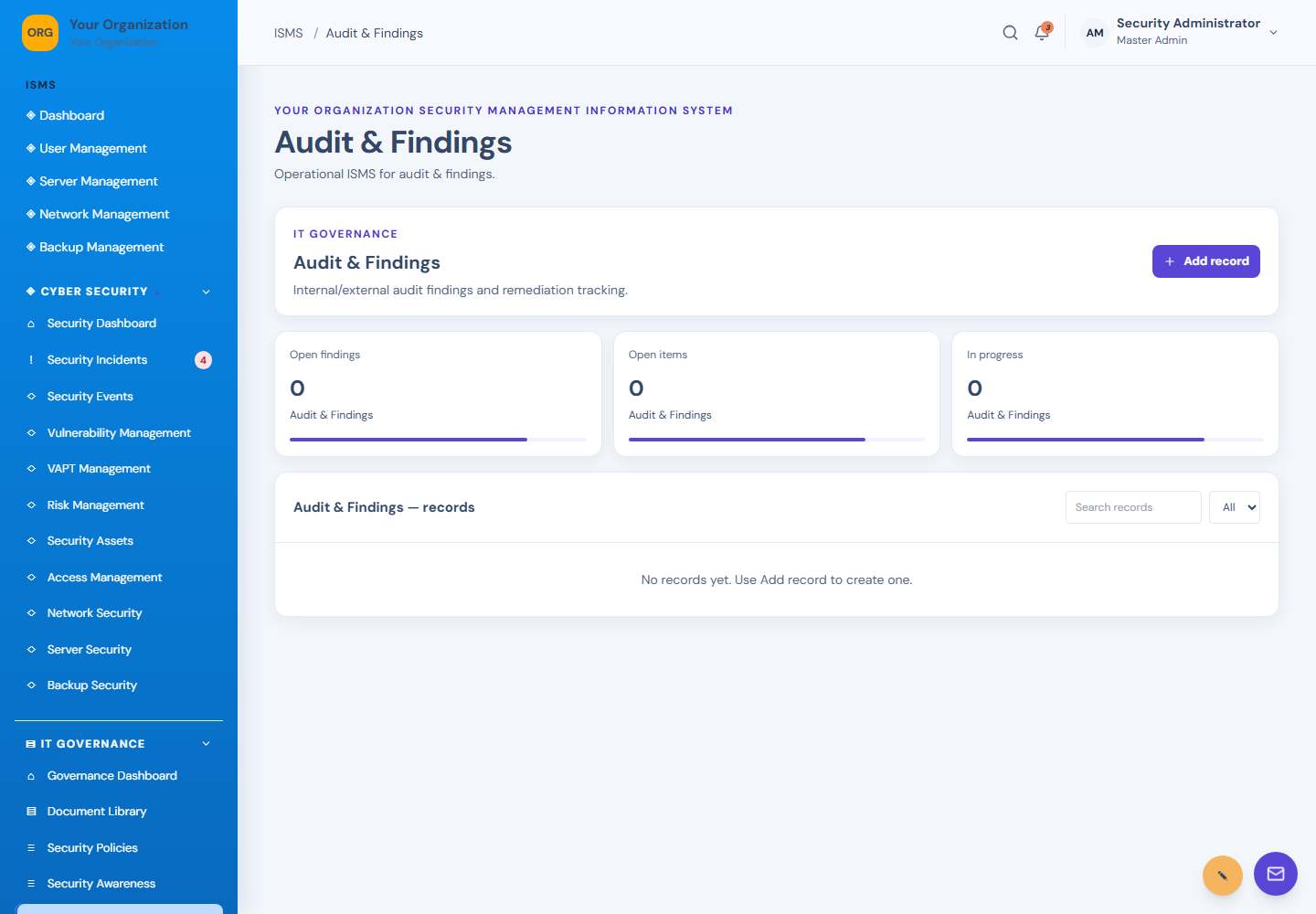
Audit & Findings screen: Audit and findings
17Audit & FindingsAudit and findings
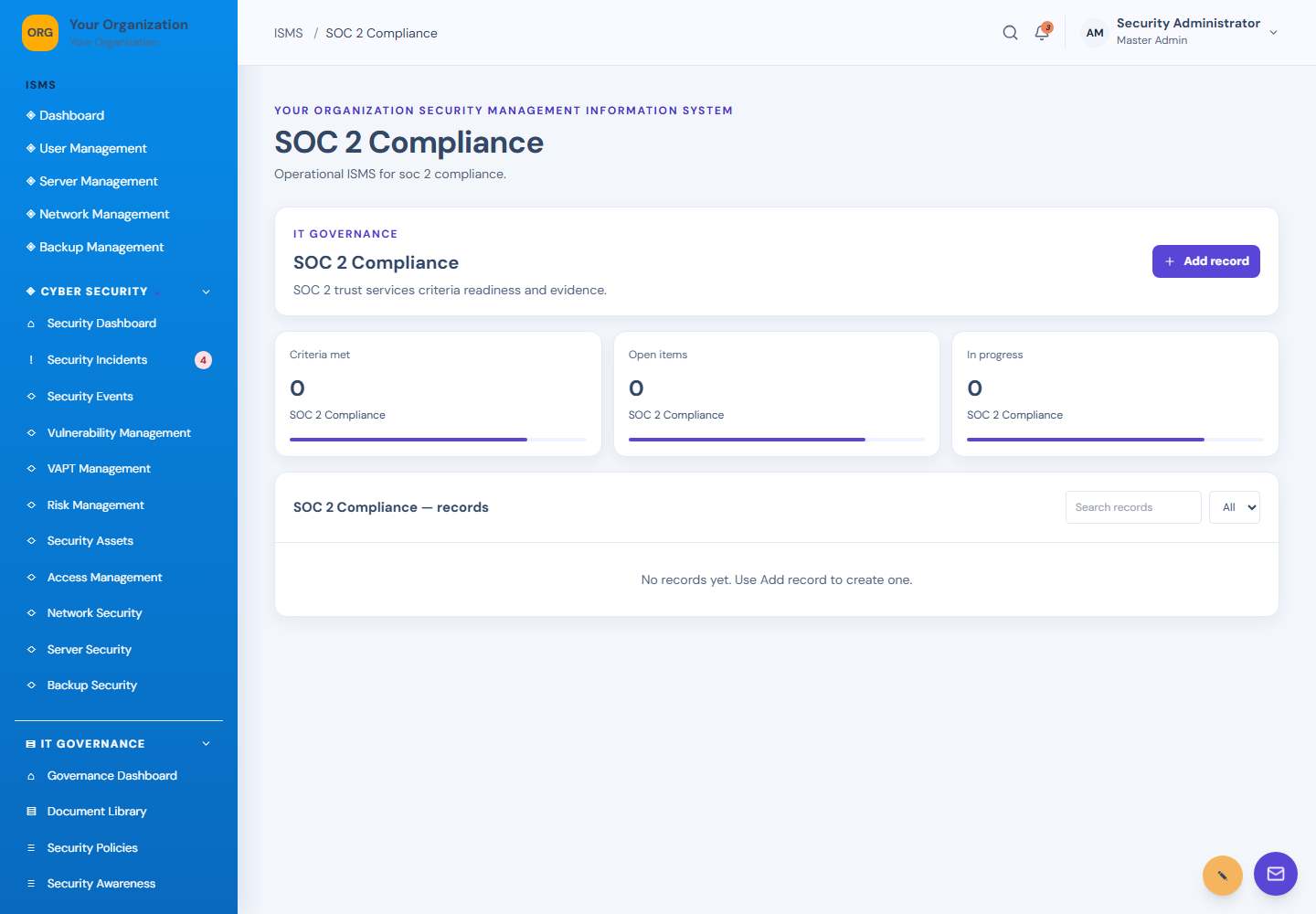
SOC 2 Compliance screen: SOC 2 compliance
18SOC 2 ComplianceSOC 2 compliance
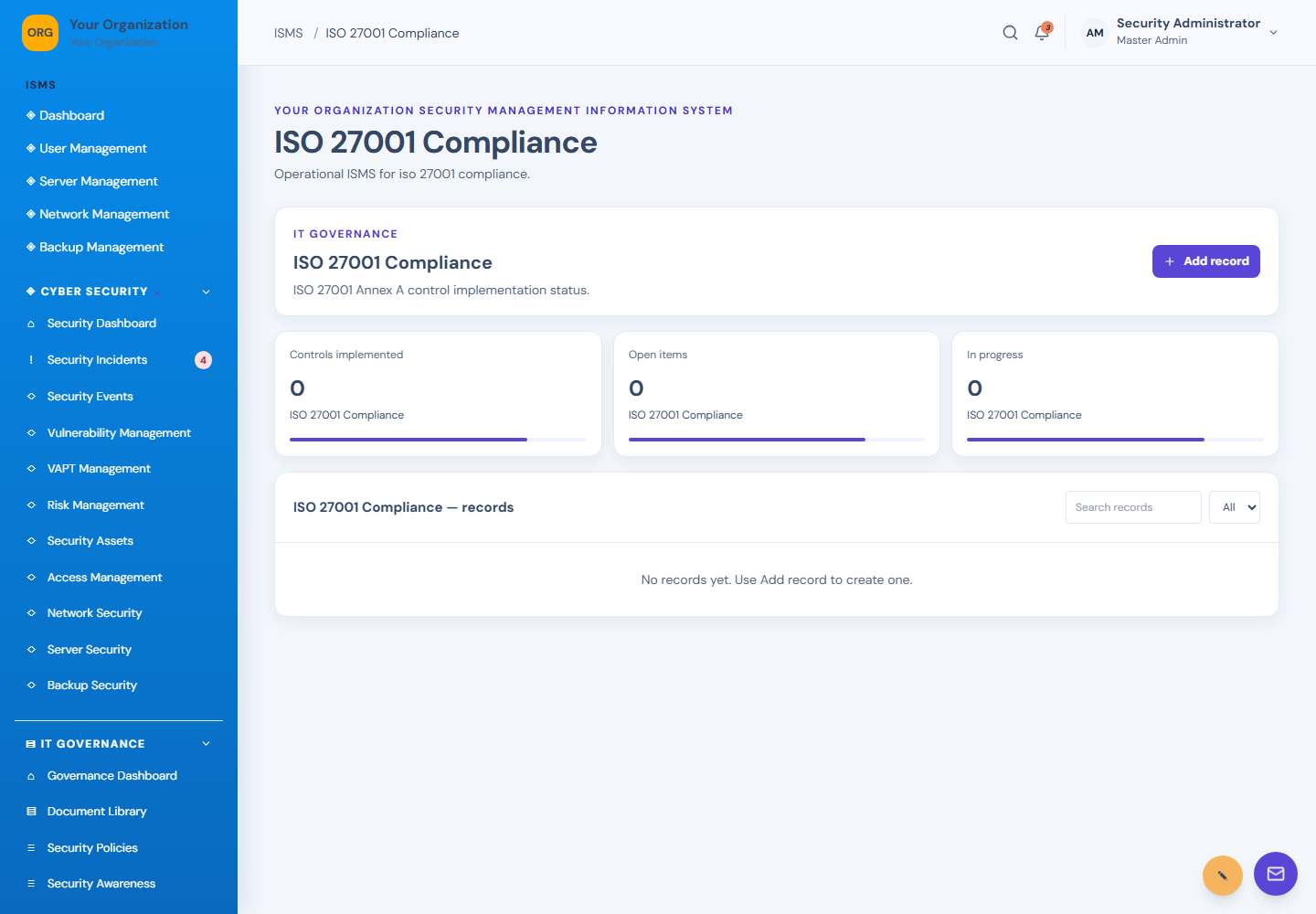
ISO 27001 Compliance screen: ISO 27001 compliance
19ISO 27001 ComplianceISO 27001 compliance
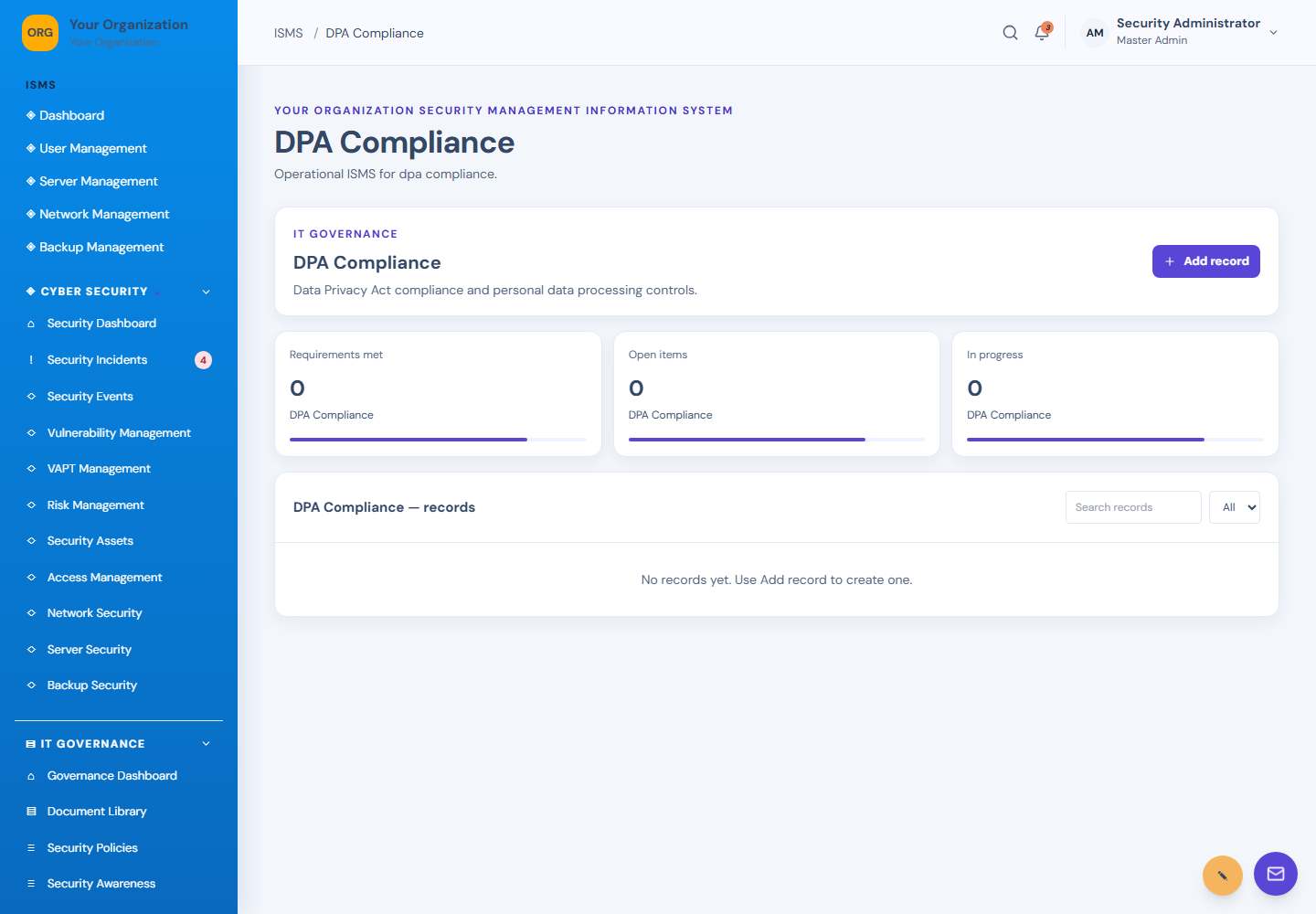
DPA Compliance screen: DPA compliance
20DPA ComplianceDPA compliance
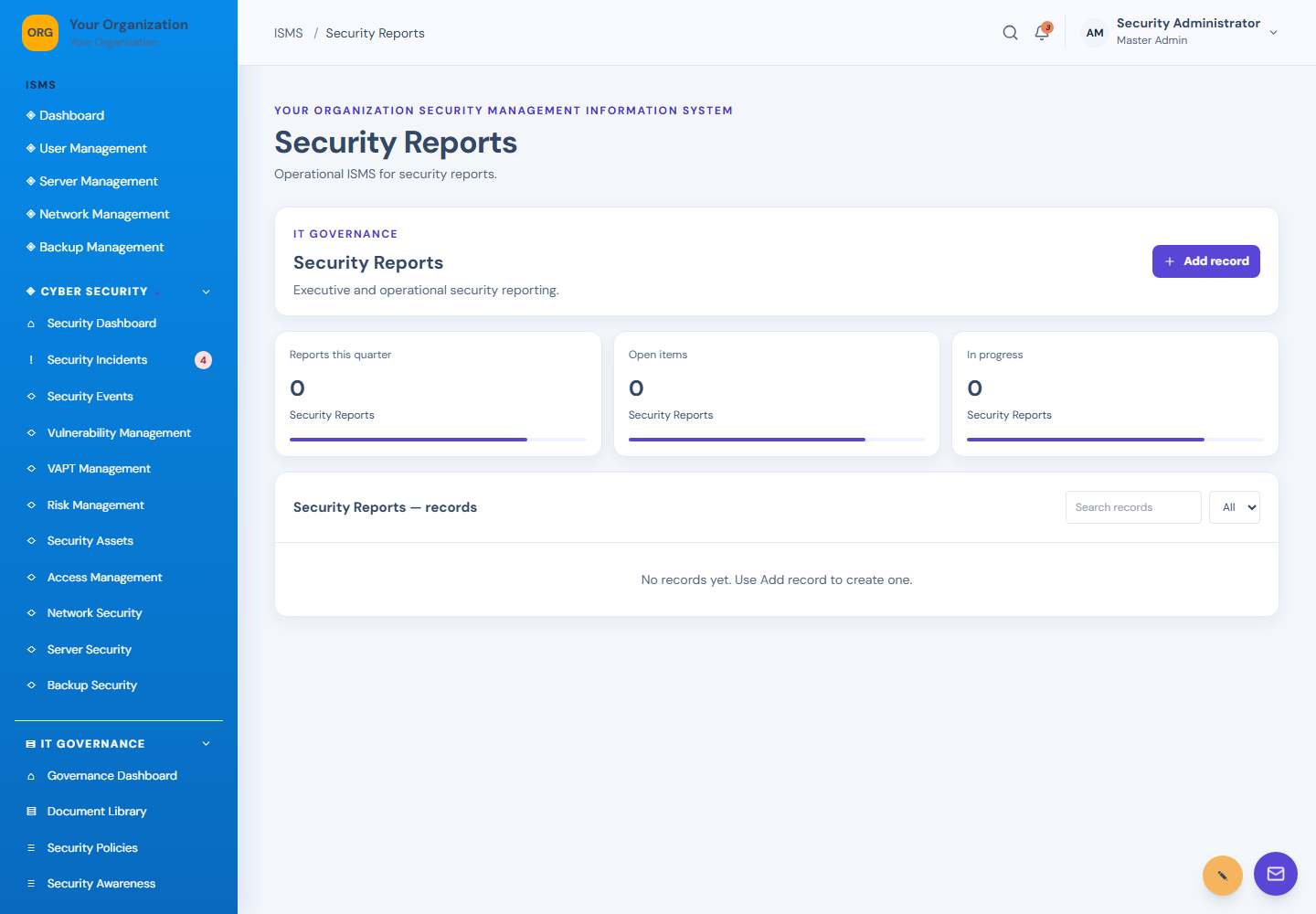
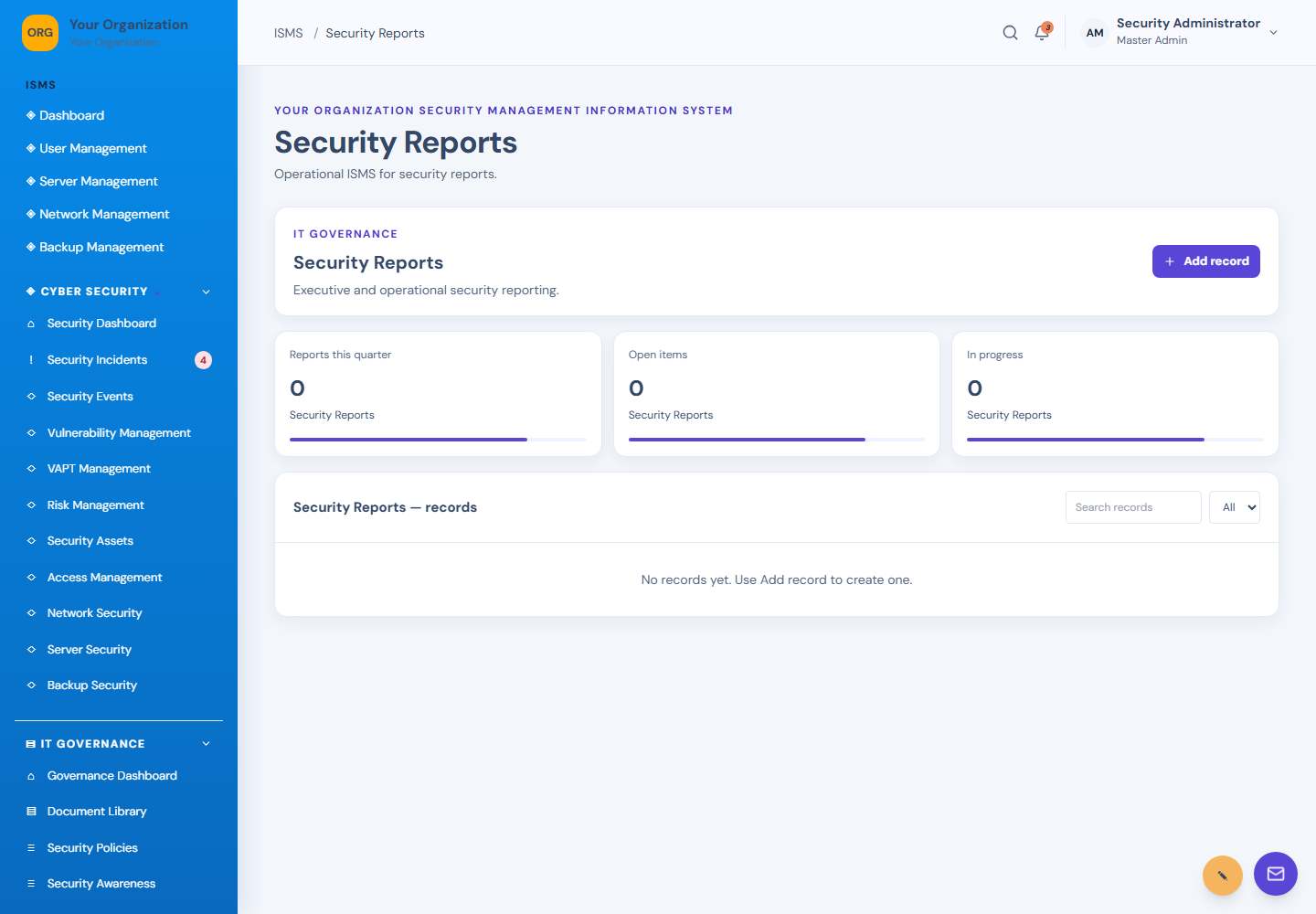
Security Reports screen: Security reports
21Security ReportsSecurity reports
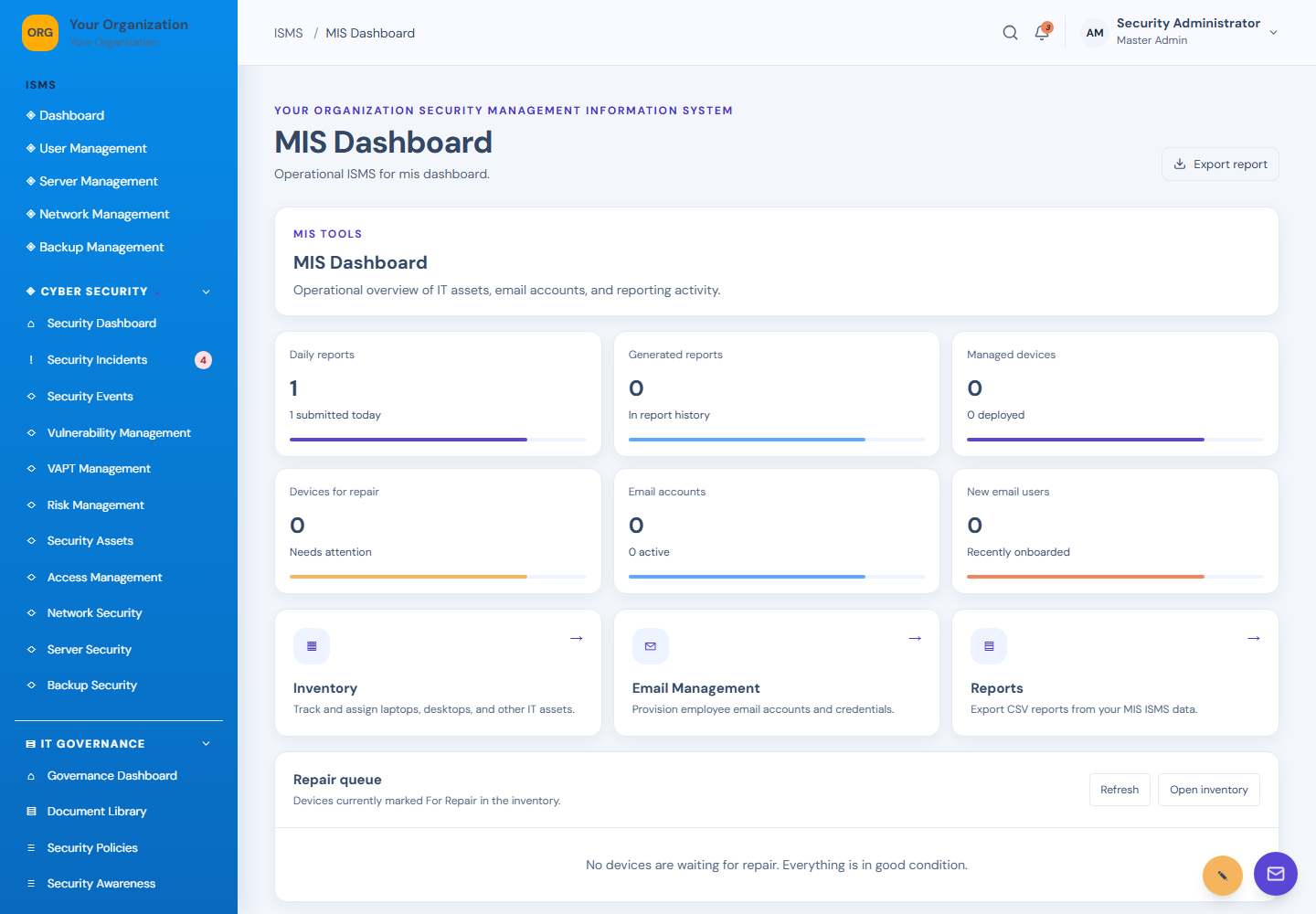
MIS Dashboard screen: MIS dashboard
22MIS DashboardMIS dashboard
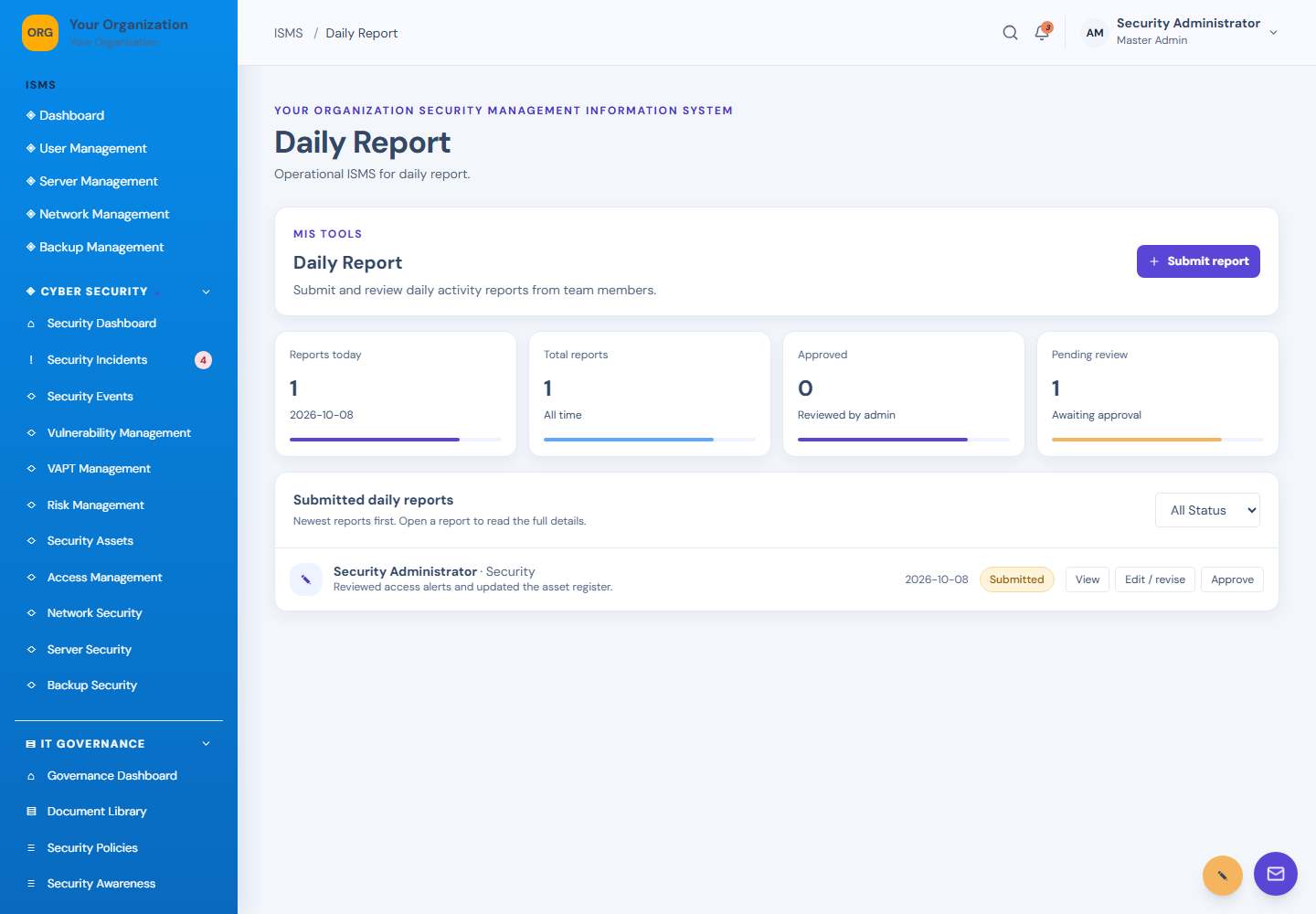
Daily Report screen: Daily reports
23Daily ReportDaily reports
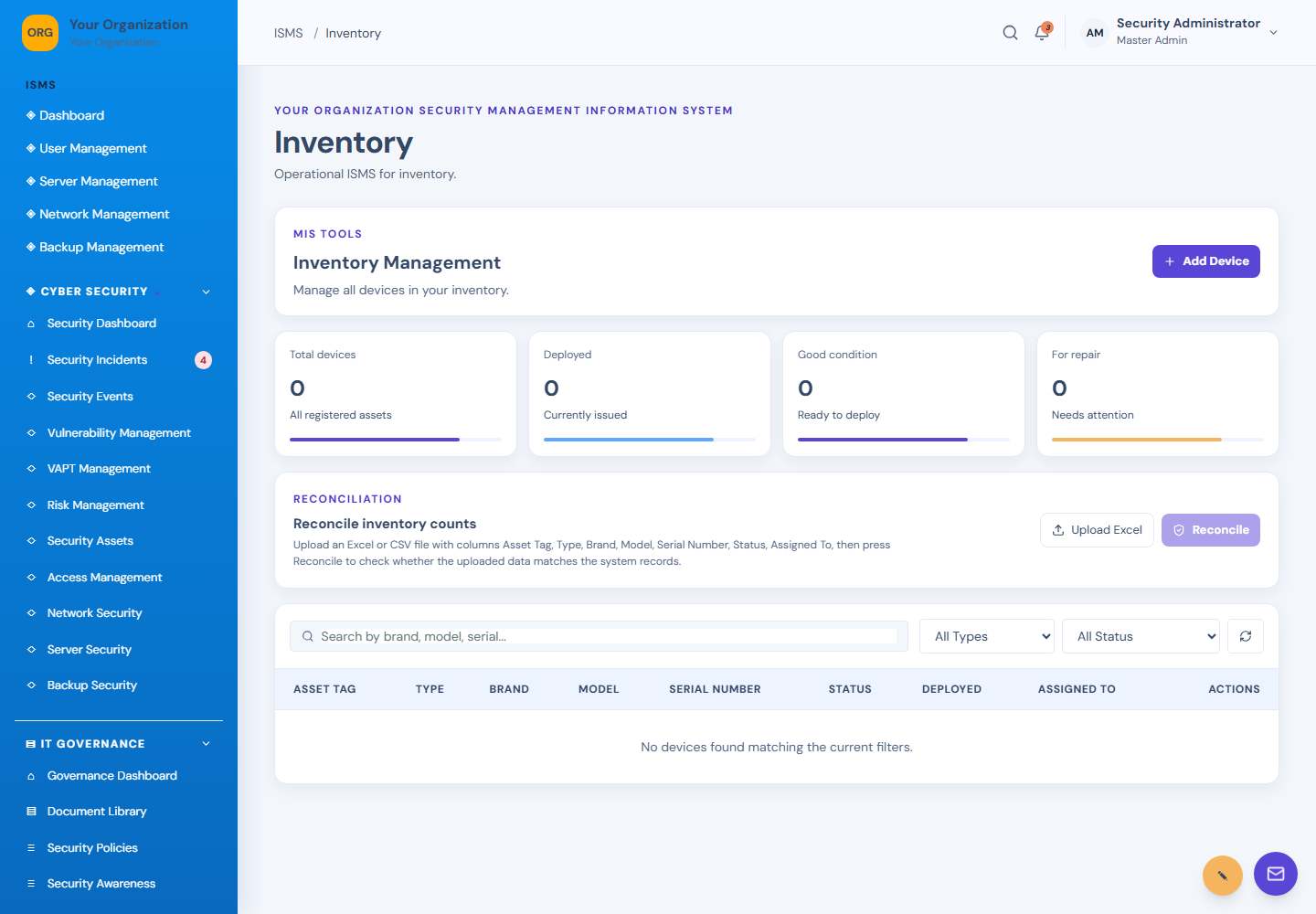
Inventory screen: Inventory
24InventoryInventory
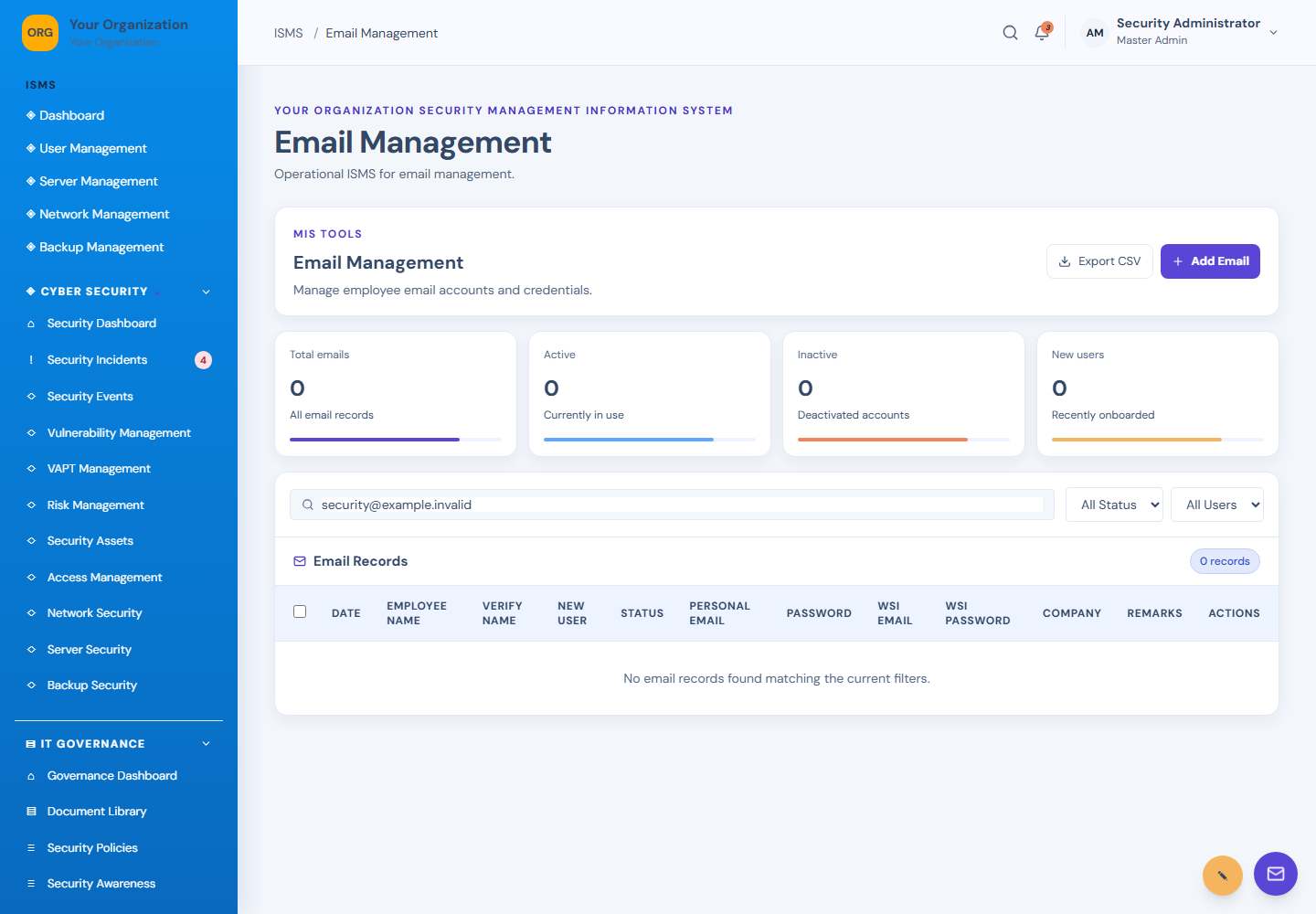
Email Management screen: Email management
25Email ManagementEmail management
Reports screen: Reports
26ReportsReports
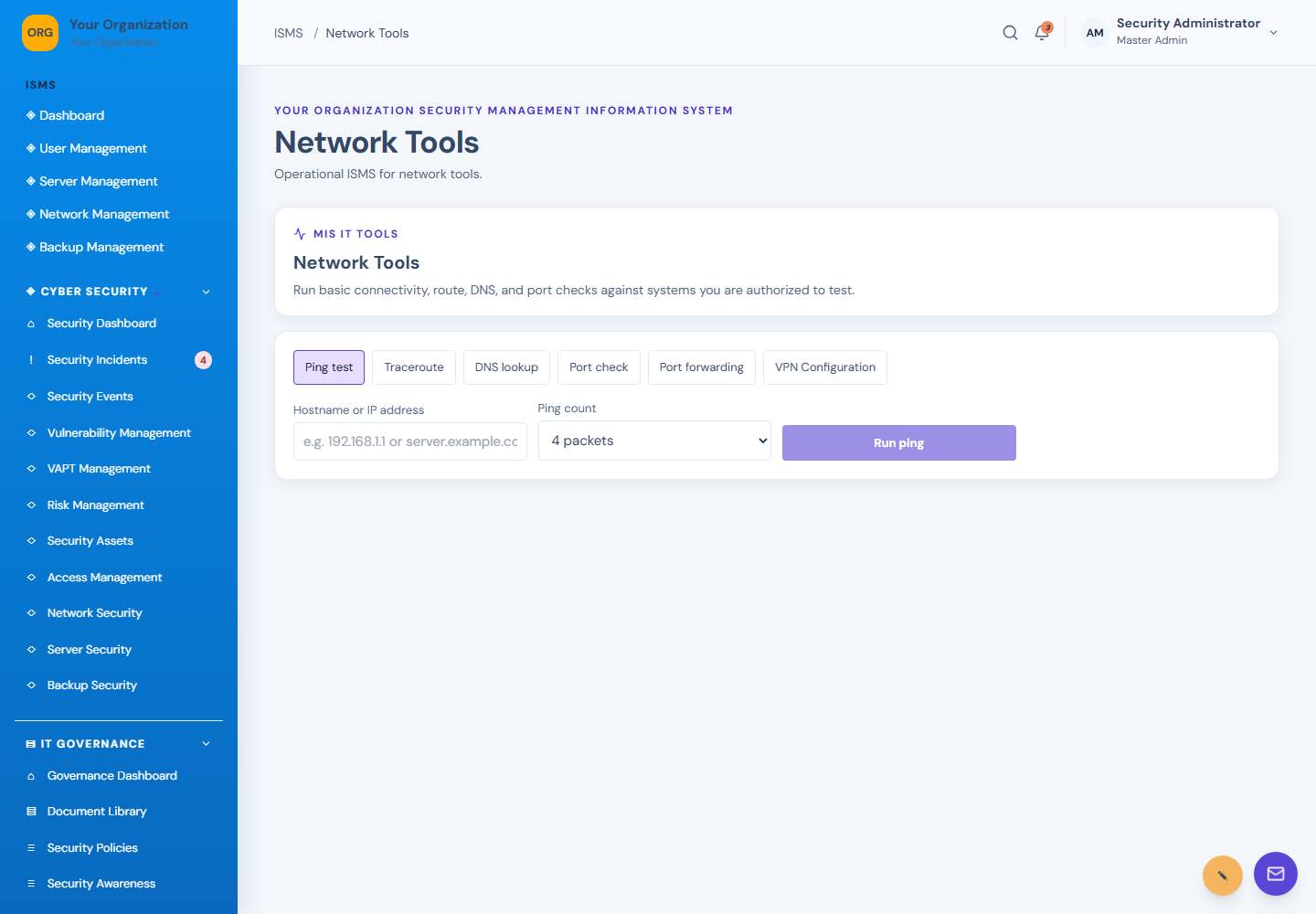
Network Tools screen: Network diagnostics
27Network ToolsNetwork diagnostics
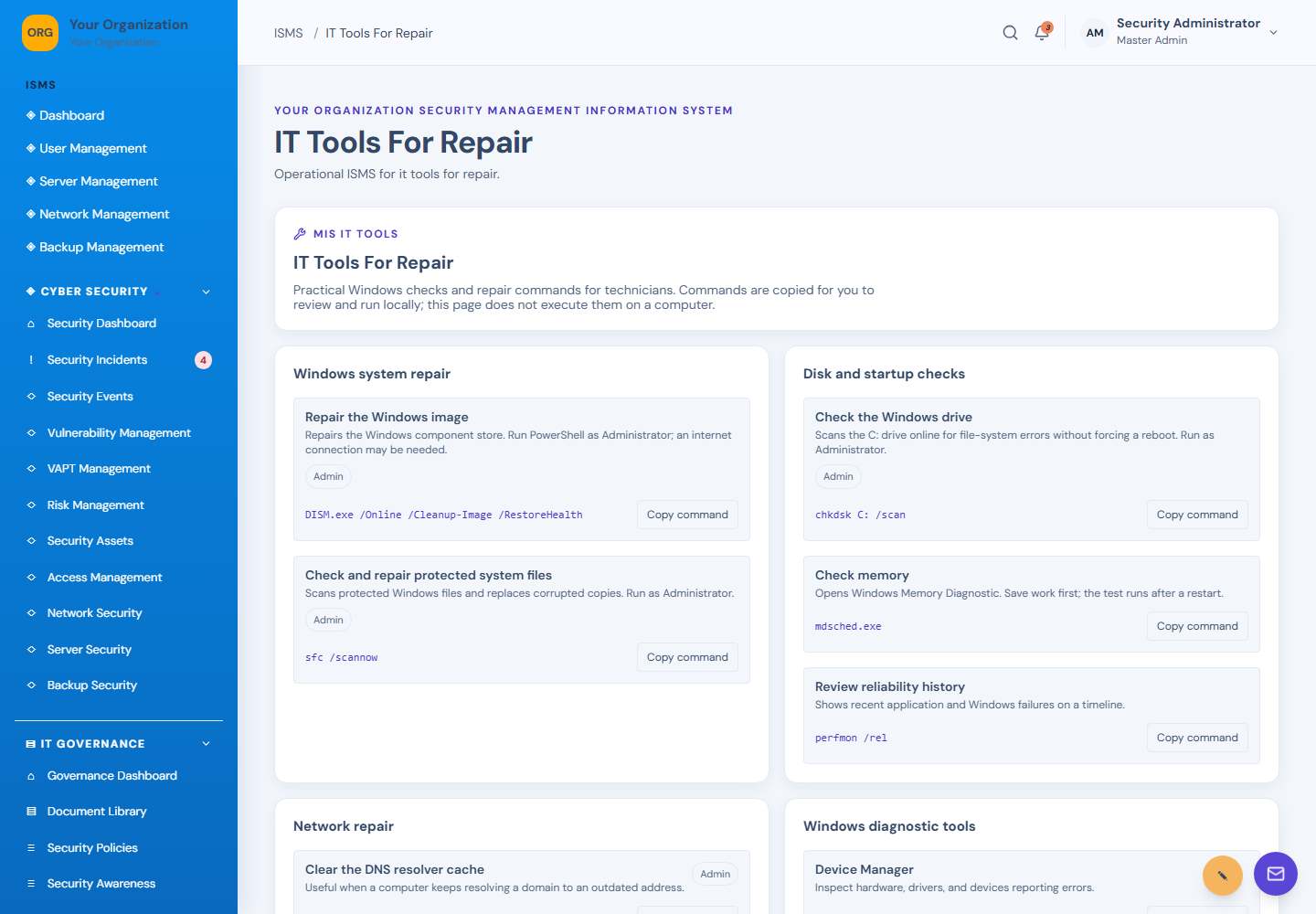
IT Tools For Repair screen: IT repair tools
28IT Tools For RepairIT repair tools
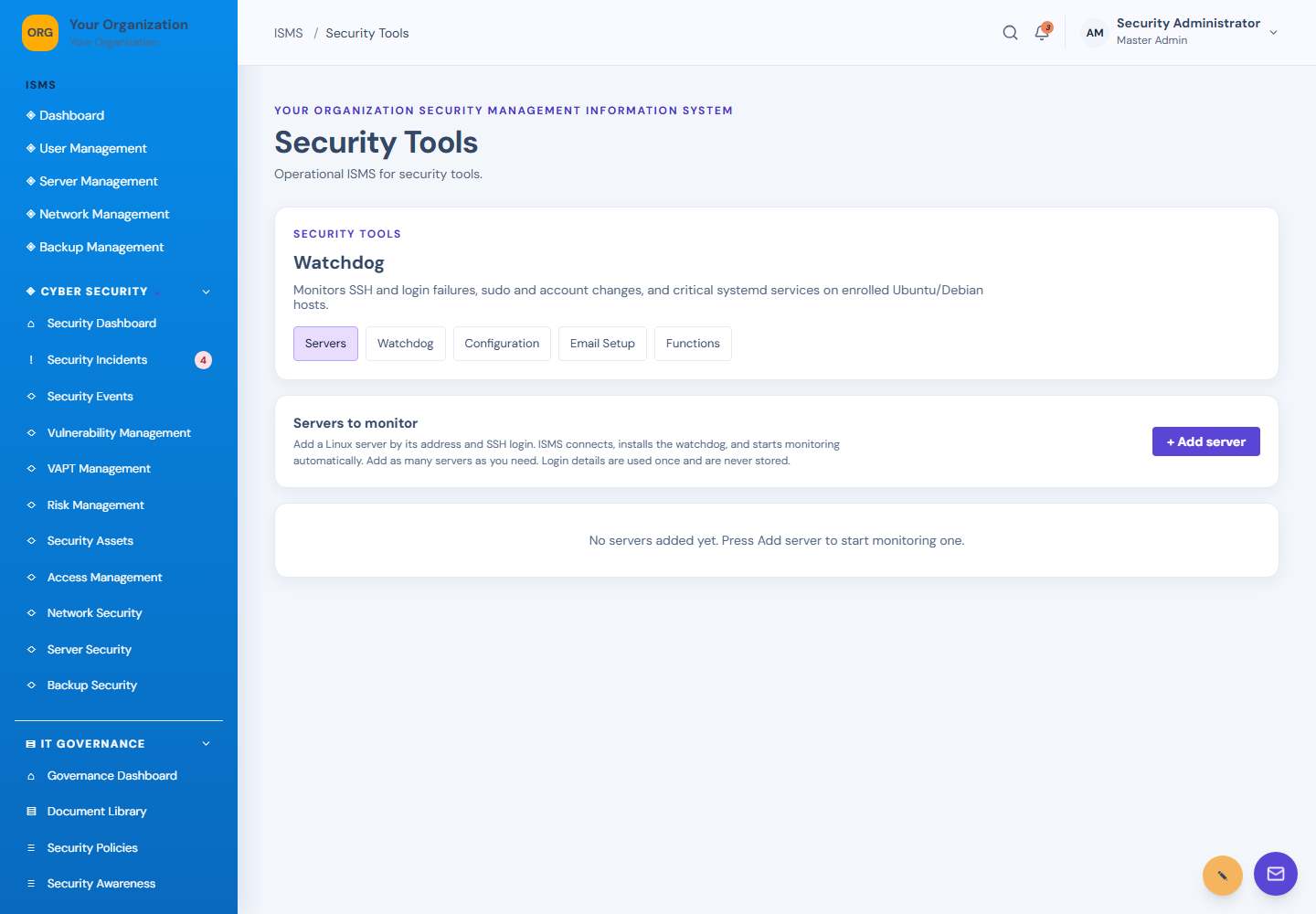
Security Tools screen: Security tools and watchdog
29Security ToolsSecurity tools and watchdog
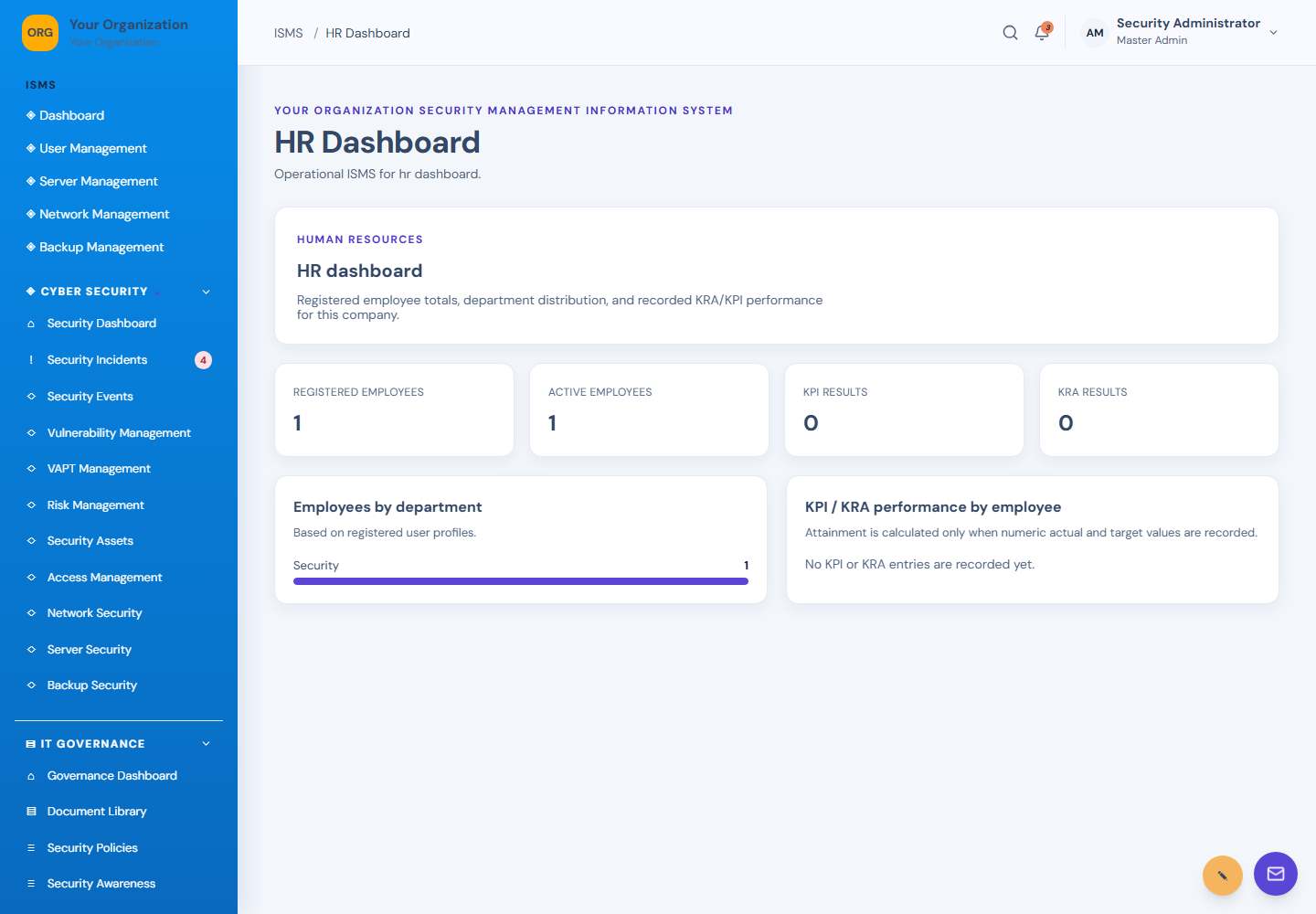
HR Dashboard screen: HR overview
30HR DashboardHR overview
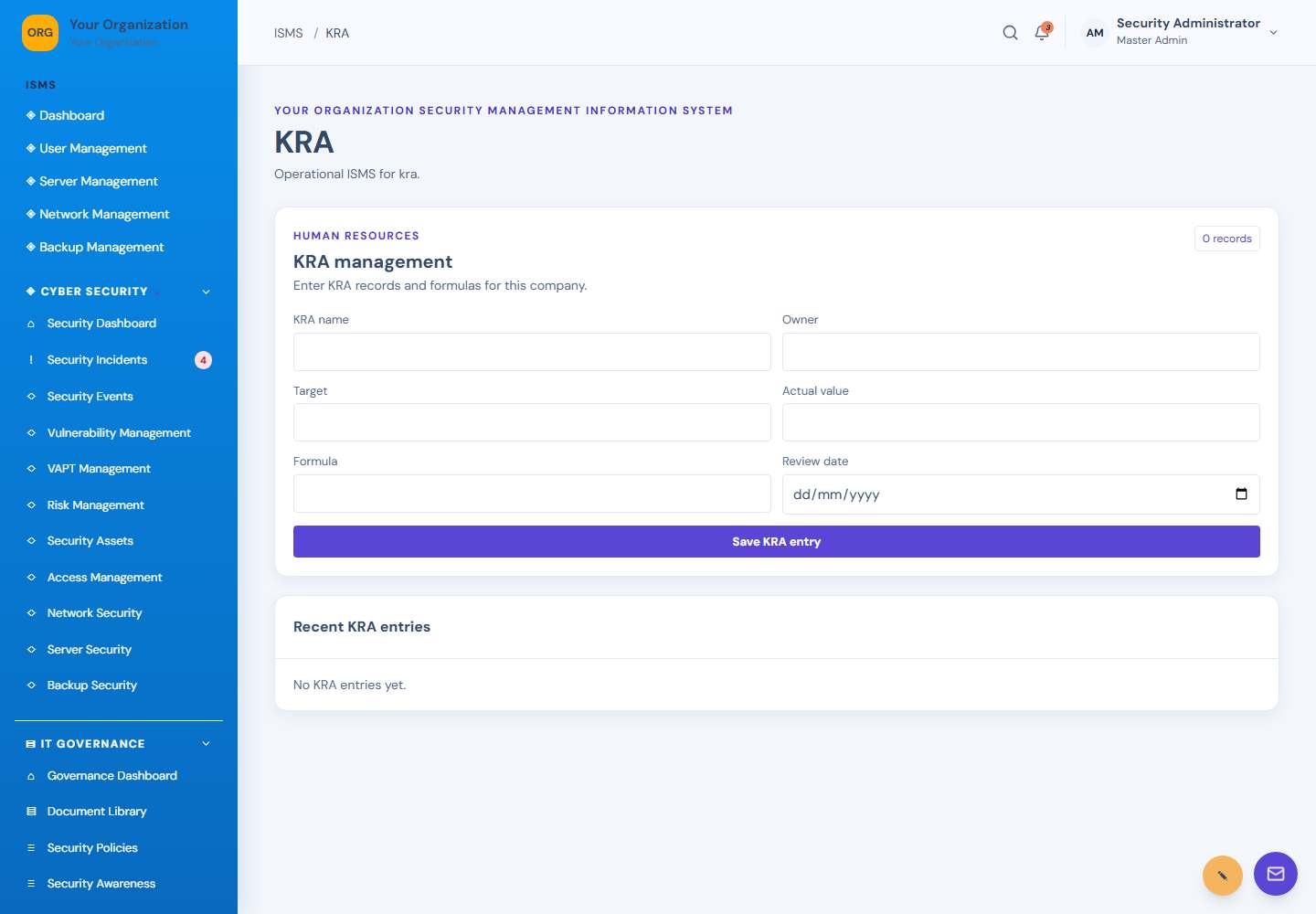
KRA screen: Key result areas
31KRAKey result areas
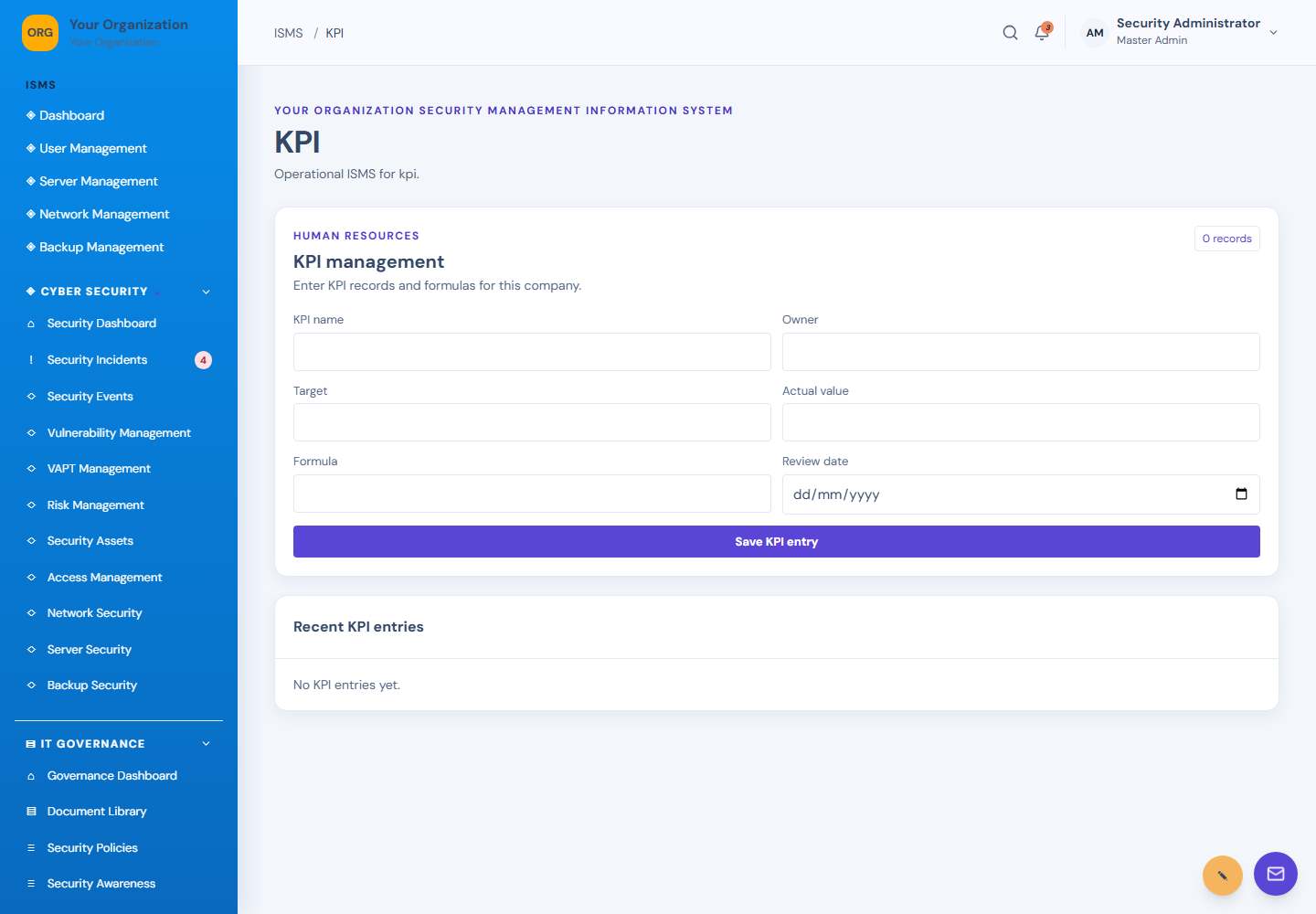
KPI screen: Key performance indicators
32KPIKey performance indicators
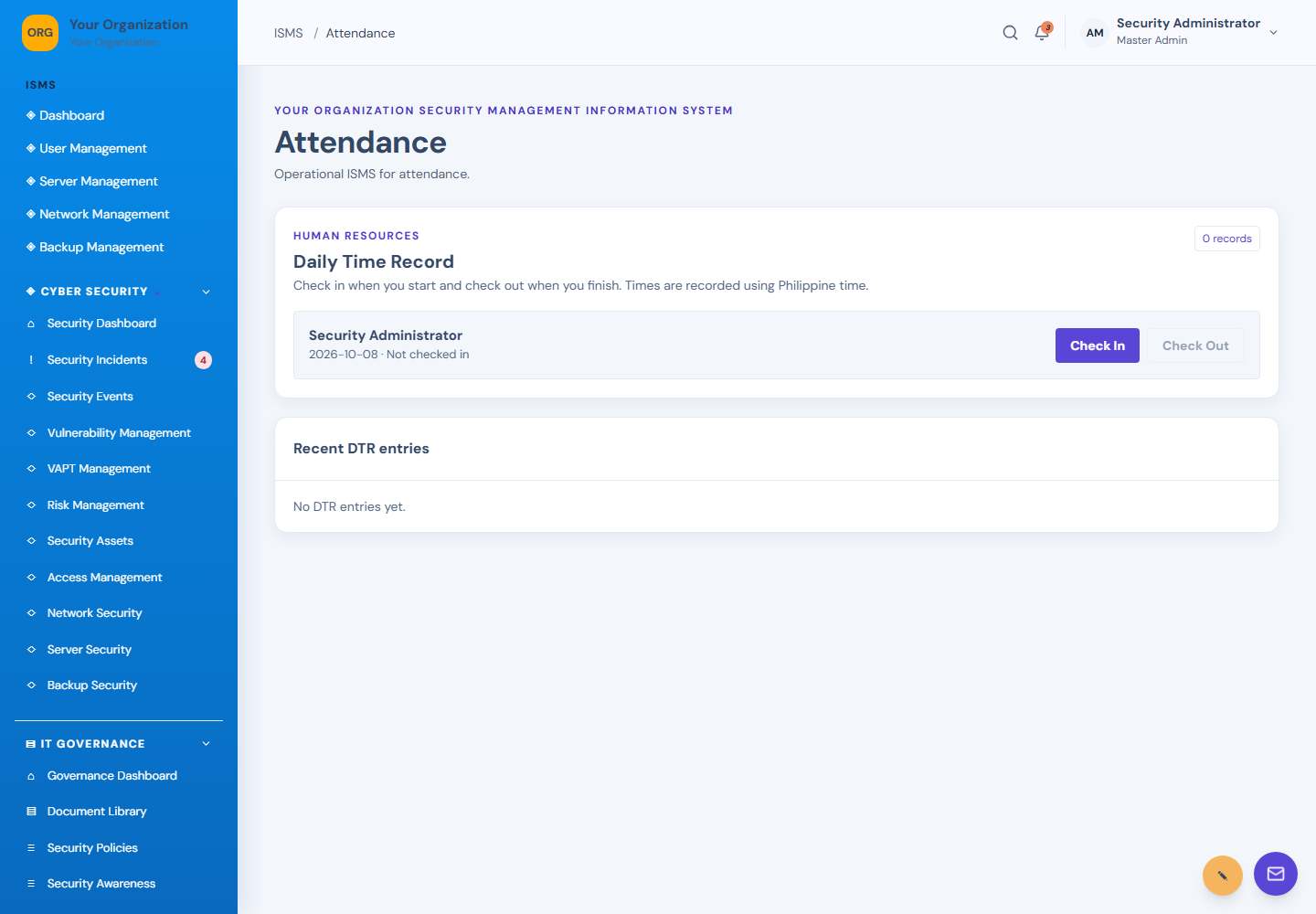
Attendance screen: Attendance management
33AttendanceAttendance management
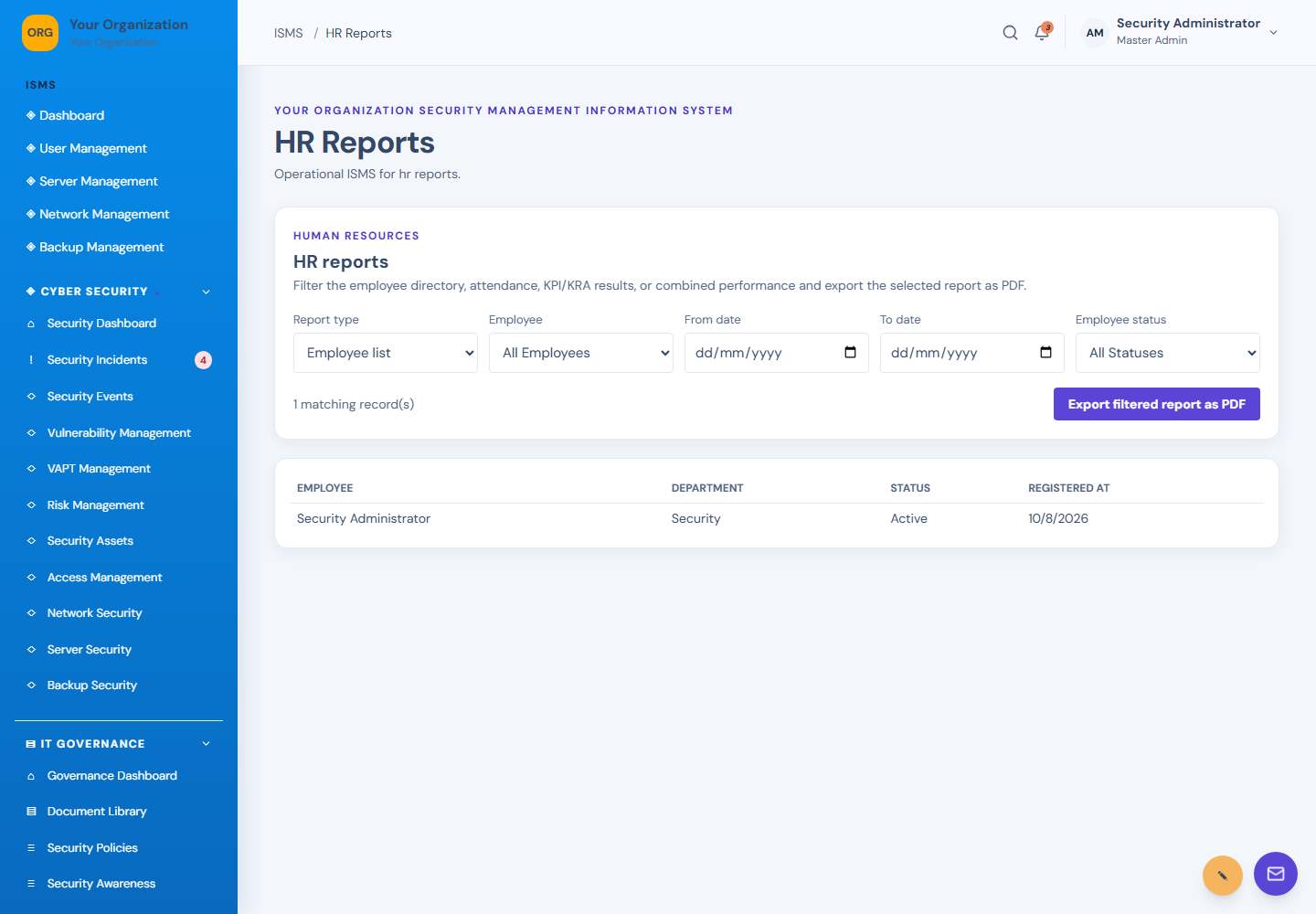
HR Reports screen: HR reports
34HR ReportsHR reports
User Management screen: User management
35User ManagementUser management
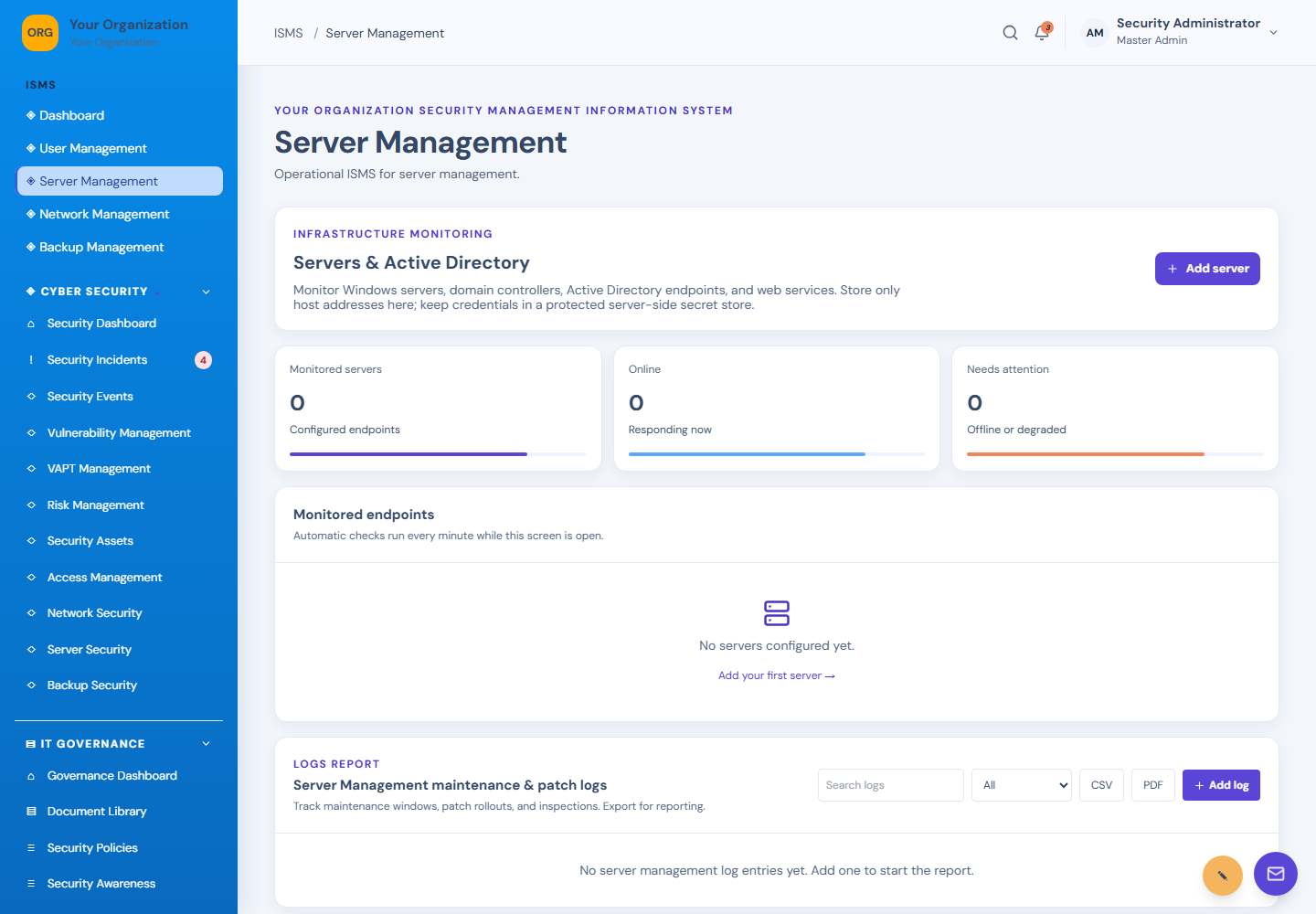
Server Management screen: Server monitoring
36Server ManagementServer monitoring
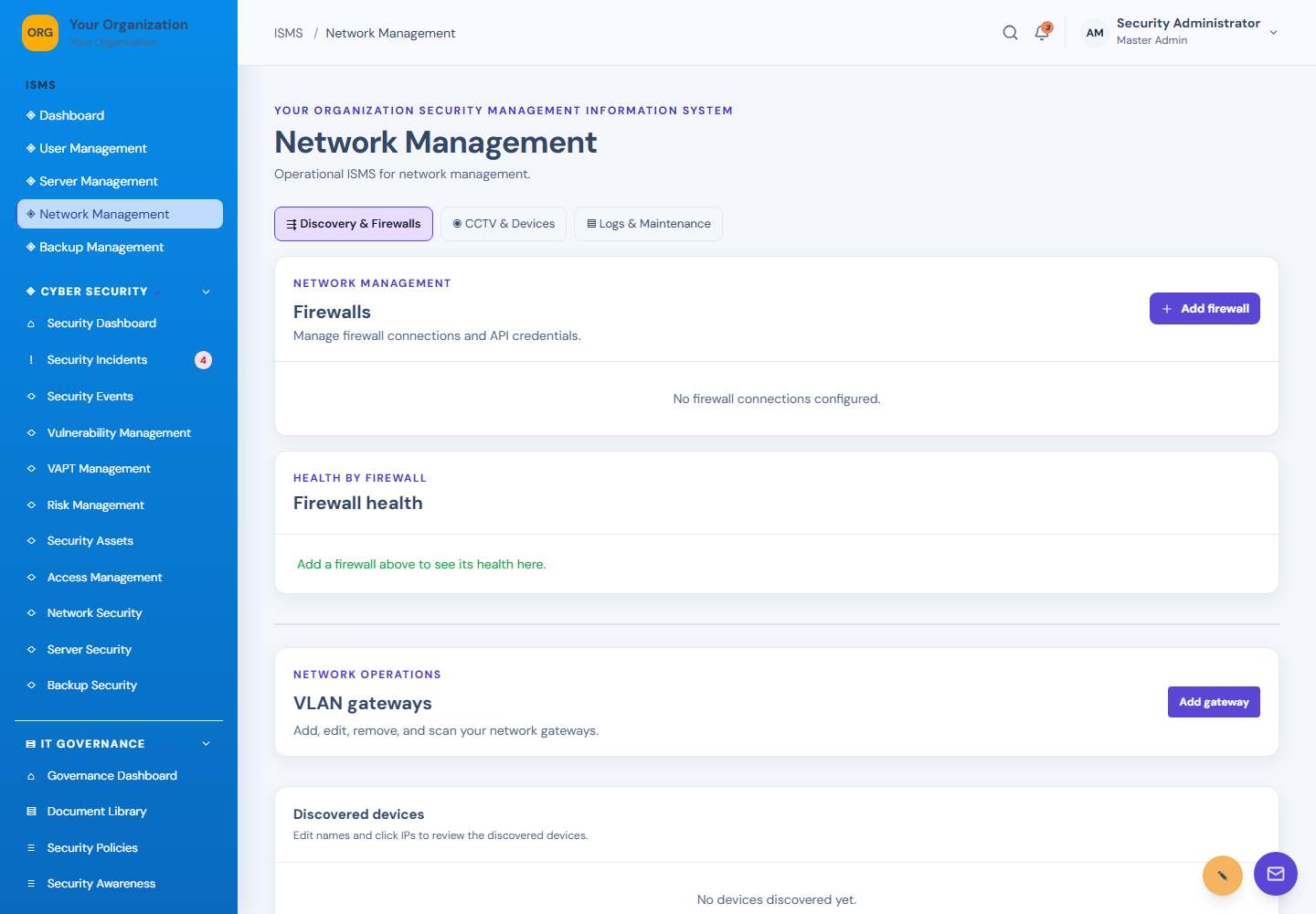
Network Management screen: Network management
37Network ManagementNetwork management
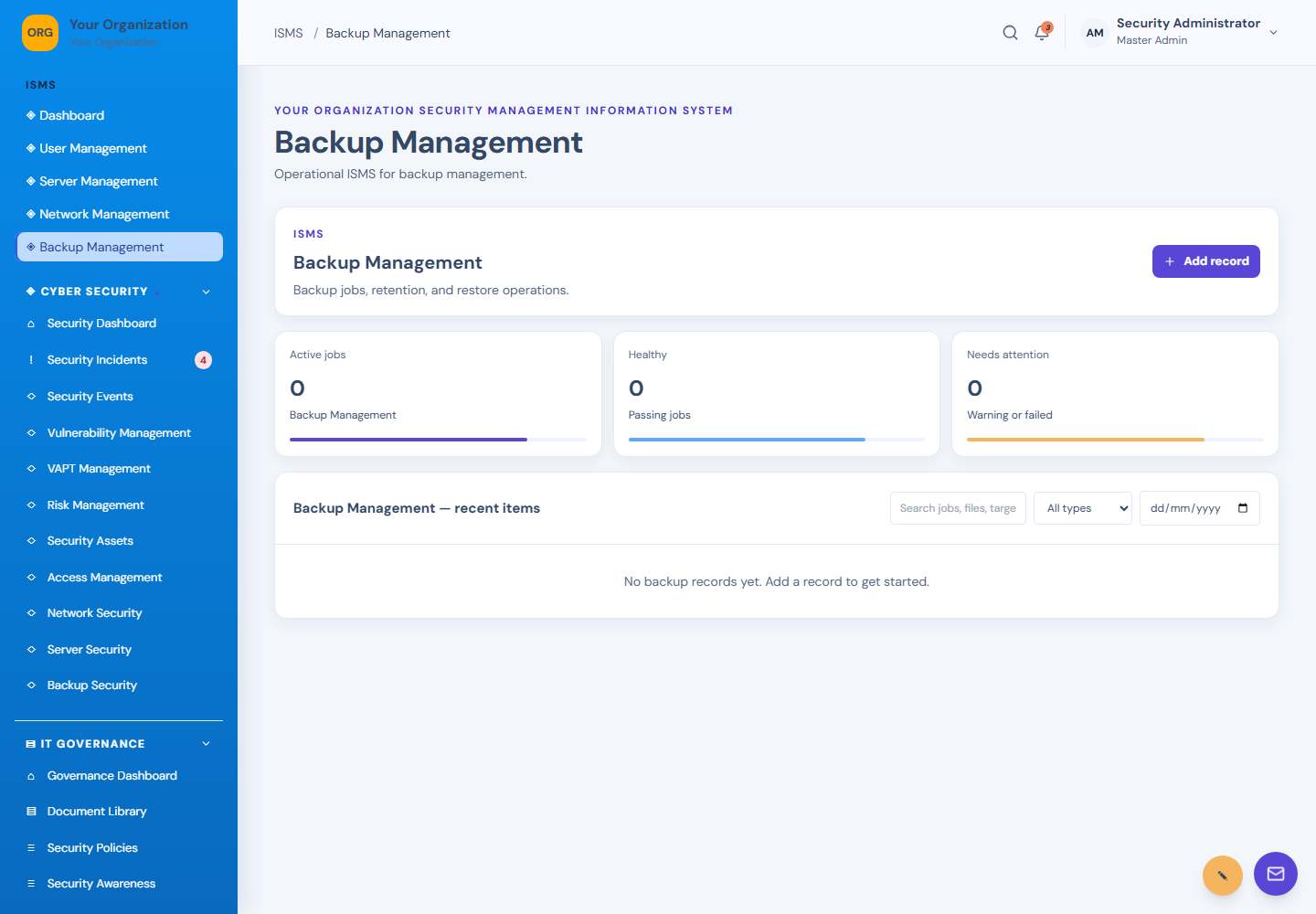
Backup Management screen: Backup management
38Backup ManagementBackup management
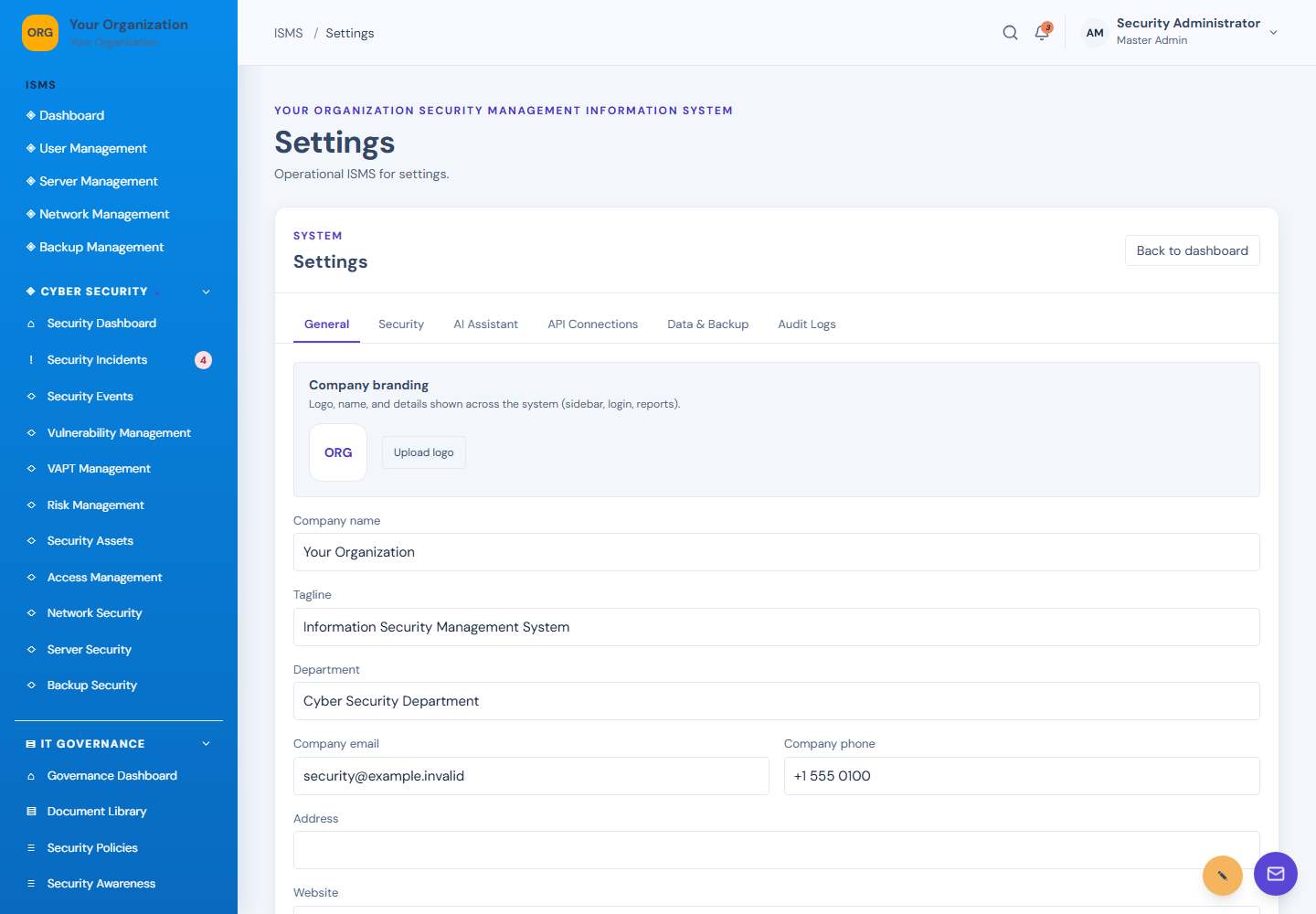
Settings screen: Application settings
39SettingsApplication settings

How it works

A straightforward path from setup to action.

Set clear ownership first, then use ISMS to capture work, review progress, and improve your program.

01

Register your company

Create your company account, set up its data space, and choose the modules it needs.

02

Give each person the right access

Invite your team, create access levels, and assign only the modules needed for each role.

03

Record work and evidence

Log risks, incidents, assets, and findings; keep documents private or share them with selected colleagues.

04

Monitor and improve

Review reports and audit trails, run authorized checks, and follow corrective work through to closure.

Our vision & mission

Make good security understandable and actionable.

Vision: Organizations of every size can build a safer, more accountable digital environment.

Mission: Provide teams with practical tools to coordinate security, governance, evidence, and continuous improvement.

Advantages at a glance

A coordinated ISMS vs. disconnected processes

Area
Without a shared system
With ISMS
Work visibility
Updates are spread across files, messages, and individual handoffs.
Teams have one ISMS for assigned security and governance work.
Evidence & audits
Finding current evidence can require manual searching.
Policies, documents, findings, and reports can be organized together.
Access ownership
Access decisions may be difficult to review consistently.
Administrators can assign user levels and module permissions.
Monitoring & response
Events and follow-up actions may be tracked in separate places.
Incidents, checks, server events, and remediation can be viewed in one system.

An ISMS supports a strong program; it does not replace informed people, approved policies, professional advice, or independent testing.

Small habits, stronger security

Cybersecurity tips for every team.

Practical reminders to help reduce common risks. Adapt them to your organization's policies and threat model.

Tip 01

Turn on multi-factor authentication

Protect administrator and email accounts with MFA, and keep recovery methods current.

Tip 02

Use unique passwords

Use a password manager and never reuse a work password on personal websites.
Tip 03

Review access regularly

Remove access promptly when roles change, and use the least privilege people need.

Tip 04

Test your backups

Keep protected backup copies and periodically prove that important data can be restored.

Tip 05

Patch supported systems

Prioritize exposed services and critical updates, then verify the update completed.

Tip 06

Report suspicious activity

Use your incident process quickly; preserve useful evidence and avoid forwarding suspicious links.
Designed for thoughtful teams

Make the next security decision with confidence.
Keep responsibilities visible, protect company information with access boundaries, and build a dependable record of the work.

Get started